Choosing the Right Primary Category for Your Practice (Full List by Specialty)
Your primary category is one of the strongest relevance signals Google uses to decide which searches your practice shows up for, so choosing the most specific one that describes your work is among the highest-leverage edits on your whole profile. A dermatologist listed as "Dermatologist" competes for the right searches; the same practice listed under the generic "Doctor" or "Medical clinic" competes for the wrong ones and loses. Google ranks local results on relevance, distance, and prominence, and your primary category is the biggest lever you have on relevance. This guide explains how to pick it, gives a category list by specialty, and shows how to use secondary categories without hurting yourself.
Category is a quiet setting most doctors set once and never revisit, which is exactly why fixing it is often a fast win. It costs nothing and takes two minutes to change.
Why the primary category matters so much
When a patient searches "cardiologist near me," Google looks hardest at each nearby profile's primary category to judge relevance. Match the search and you are a candidate; miss it and you are filtered out before reviews or distance even come into play. In most local ranking studies, primary category sits at or near the top of the factors that decide who appears in the local pack, the three map listings shown first.
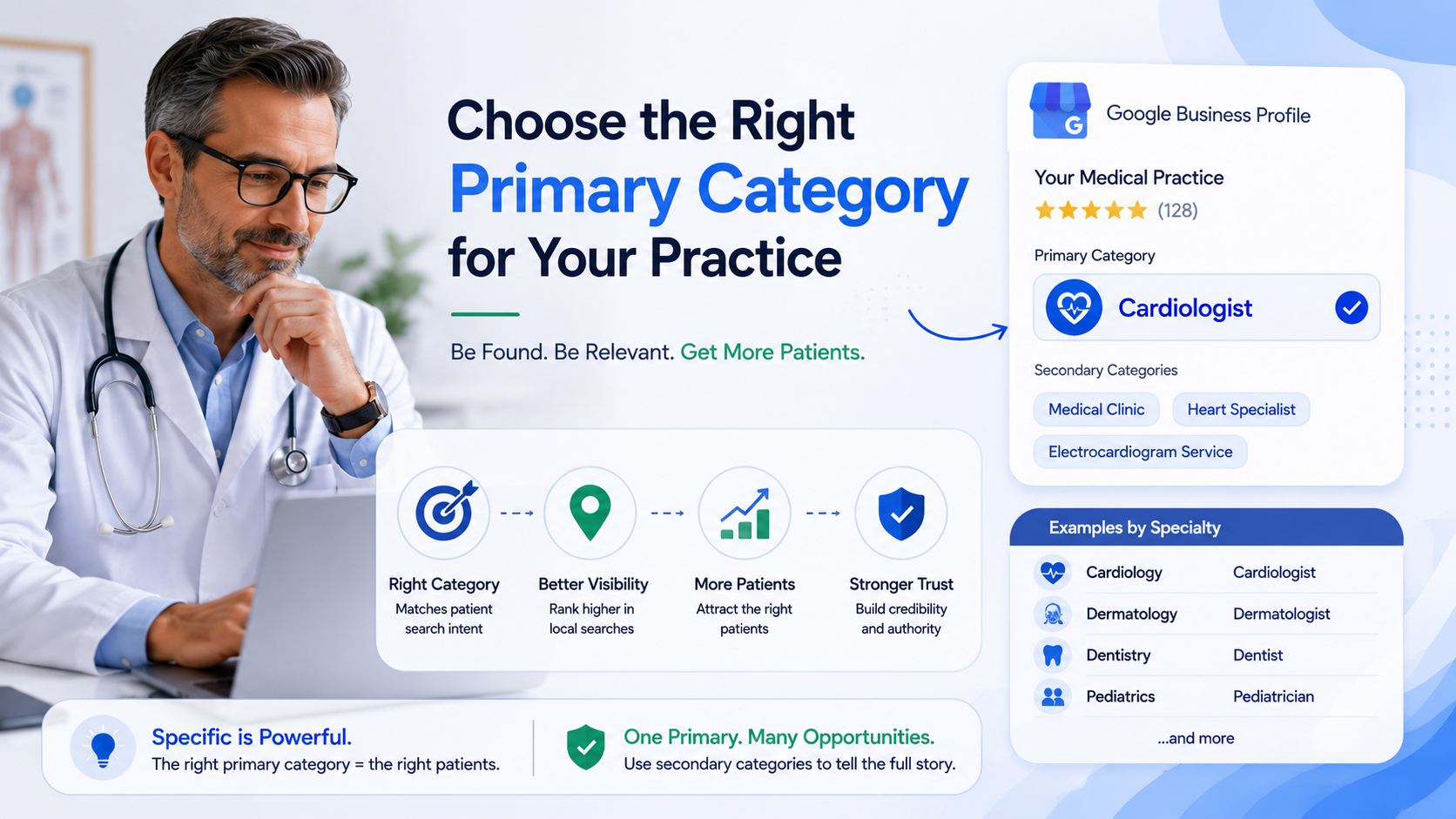
The rule is specificity. Google offers a fixed list of categories, and it usually contains a precise option for your specialty. Choosing the precise one tells Google exactly what you are; choosing a broad one leaves it guessing and matches you to fewer of the searches that actually bring patients.
How to choose your primary category
Follow three principles in order.
- Pick the most specific category that describes your core service. If "Pediatric dentist" exists and that is your work, use it rather than "Dentist." Specific beats broad every time.
- Match how patients search, not your internal title. Patients search "OB-GYN" or "skin doctor," and Google maps those to standard categories. Choose the category that corresponds to the words patients actually use for your specialty.
- Use one primary category only. You get exactly one primary. Reserve it for your single most important service, the one you most want to be found for. Everything else goes in secondary categories.
To find the exact wording, start typing your specialty into the category field in your Business Profile dashboard and read the options Google offers. Only categories on Google's list are selectable, so match to the closest exact term.
Primary category by specialty
Use this as a starting map. Confirm the exact label in your dashboard, since Google updates the list periodically and wording must match what Google offers.
- Cardiology: Cardiologist
- Dermatology: Dermatologist
- Pediatrics: Pediatrician
- Family medicine: Family practice physician
- Internal medicine: Internist
- OB-GYN: Obstetrician-gynecologist
- Orthopedics: Orthopedic surgeon
- Psychiatry: Psychiatrist
- Ophthalmology: Ophthalmologist / Eye care center
- Optometry: Optometrist
- ENT: Otolaryngologist / Otolaryngology clinic
- Gastroenterology: Gastroenterologist
- Neurology: Neurologist
- Urology: Urologist
- Endocrinology: Endocrinologist
- Dentistry (general): Dentist
- Orthodontics: Orthodontist
- Pediatric dentistry: Pediatric dentist
- Oral surgery: Oral surgeon
- Physical therapy: Physical therapy clinic / Physical therapist
- Chiropractic: Chiropractor
- Dermatologic / cosmetic surgery: Plastic surgeon / Cosmetic surgeon
- Podiatry: Podiatrist
- Rheumatology: Rheumatologist
- Pulmonology: Pulmonologist
- Nephrology: Nephrologist
- Oncology: Oncologist
- Allergy / immunology: Allergist
- Primary care clinic (multi-provider): Medical clinic, plus each provider's specialty as secondary
If your exact specialty is not listed as its own category, pick the closest specific option Google does offer, then use secondary categories and your services and description to fill the gap.
Using secondary categories the right way
Secondary categories let you signal additional services you genuinely provide, and there is evidence that using several relevant ones supports stronger local visibility than using only a primary. But the governing rule is accuracy, not volume.
- Add secondary categories only for services you actually deliver. A dermatologist who does cosmetic work can add a cosmetic category; a dermatologist who does not, cannot.
- Do not stuff unrelated categories to reach more searches. Google can treat irrelevant categories as misrepresentation, and they dilute the clarity of what you are.
- Keep the primary reserved for your single most important service. Secondary categories support it; they do not replace it.
A clean pattern for a specialist is one precise primary category plus two or three honest secondary categories for real sub-services.
What most doctors get wrong about categories
The most common mistake is defaulting to a broad category like "Doctor," "Physician," or "Medical clinic" because it feels safe or was auto-selected at setup. Broad is not safe; it is invisible for the specific searches that matter. The second mistake is the opposite: adding a long list of loosely related secondary categories to cast a wider net, which reads as inaccurate and can hurt. Choose one precise primary and only the secondary categories you can honestly stand behind.
A note on AI: categories help AI understand you too
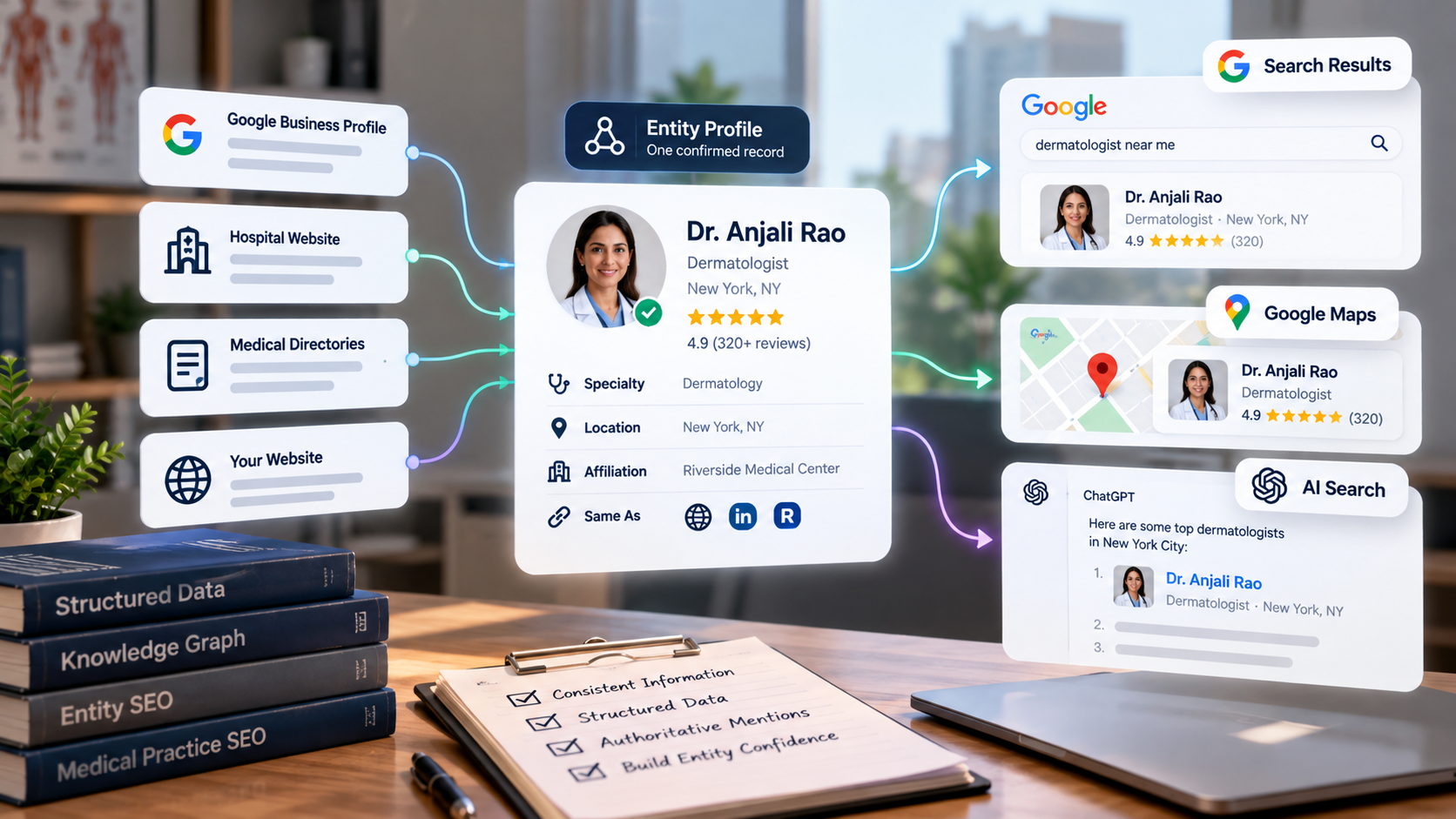
The category that helps Google place you also helps AI assistants classify you. When a patient asks ChatGPT, Gemini, Claude, or Perplexity for a specialist, those tools name one to three practices using structured data, directory details, and how clearly each practice's specialty is defined across the web. A precise primary category, echoed consistently on your website and directories, gives every one of those systems a clean answer to "what kind of doctor is this," which makes you easier to name.
Fix your category this week
This one is quick.
- Open your Business Profile and read your current primary category.
- If it is broader than your actual specialty, change it to the most specific matching option Google offers.
- Add two or three secondary categories only for services you genuinely provide, and remove any that do not fit.
- Make sure your website and top directories describe your specialty the same way.
Category is one of seven pillars that decide whether patients find you. The Free Audit at thedocmirror.com checks your category alongside your profile, reviews, and citations, and compares you to your top local competitors, in about 90 seconds with no signup for the free score.