How to Find and Merge Duplicate Google Listings for Your Clinic
Duplicate Google listings split your reviews, confuse Google about which profile is real, and often keep both versions from ranking. To fix it you find every version of your clinic on Google, decide which one to keep, and report the extras so Google merges or removes them, leaving a single verified, accurate profile. Duplicates are common for practices that moved, rebranded, changed ownership, or were auto-generated by Google years ago, and because your Google Business Profile carries the most weight in local visibility, cleaning them up is one of the higher-impact fixes you can make in an afternoon.
This is a different problem from a listing that is missing or suspended. Here the issue is too many listings, not none, and the damage is quieter: your presence is divided instead of absent, so you may not notice until you count.
Why duplicates hurt more than they look
A duplicate profile does three things, all bad. It splits your reviews, so a practice with 90 real reviews might show 60 on one listing and 30 on another, and neither looks as strong as it should. It confuses Google, which cannot tell which listing represents the true business, and that uncertainty often suppresses both in the map results. And it splinters patient trust, because someone who finds the stale duplicate sees old hours, a disconnected phone, or a former address.
Reviews and profile completeness are among the heaviest local ranking signals, so dividing them across two listings weakens the exact factors that move your position. Consolidating to one profile is how you recover that weight.
Step 1: Find every version of your clinic
Duplicates hide under old names and addresses, so search broadly. Use an incognito window so your own account does not color the results.
- Search your exact current practice name in Google Maps.
- Search your former name if you rebranded, changed ownership, or married and changed a personal-name listing.
- Search your street address on its own, which surfaces listings tied to the location regardless of name.
- Search your phone number and any old phone number.
- Search the individual practitioner names in a group practice, since Google allows a profile per public-facing provider and these can duplicate the practice listing.
Write down every result that could be yours, including the ones you did not create. Note each listing's name, address, phone, and whether it is verified, because that tells you which to keep.
Step 2: Decide which listing to keep
Keep the profile that is verified, accurate, and carries your real review history. In most cases that is the one you actively manage. If an unmanaged duplicate holds reviews you want to preserve, you do not lose them by merging; Google generally consolidates reviews from merged duplicates onto the surviving listing, though it is not guaranteed for every case. The goal is one canonical listing with the correct name, address, phone, category, and hours.
If two legitimate listings exist for a genuine reason, that is not always a duplicate, which the next section covers.
Step 3: Report and merge the duplicates
How you remove a duplicate depends on whether you manage it.
If you manage both listings, Google may prompt you to merge them, or you can request removal of the extra from within your Business Profile dashboard. Keep the verified, accurate one.
If you do not manage the duplicate, use the "Suggest an edit" or "Report a problem" option on the duplicate listing in Google Maps and mark it as a duplicate of your real profile, or report it through Google Business Profile support. Google then reviews and, if it agrees, merges or removes the duplicate. This can take a few days to a few weeks.
If the duplicate is verified by someone else, for example a former partner or a previous owner, you may need to request ownership or removal through Google's support channels and provide proof that you represent the practice. Have your business registration and license ready, matching the profile details.
Do not simply delete your own real listing to "start fresh." You lose the review history and the age of the profile, both of which support ranking.
The group-practice exception: when two listings are correct
Two listings at one address is not always a duplicate. Google's rules allow a separate profile for the practice itself and a separate profile for each individual, public-facing practitioner who works there, such as each physician who sees patients under their own name. The catch is that the details must be genuinely distinct and accurate: different practitioner names, the correct shared address, and categories that fit each. When those individual profiles are set up carelessly, with the same name or copied details, Google reads them as duplicates and may suppress or suspend them.
So before you report a second listing, ask whether it is a legitimate practitioner profile or an accidental copy. Clean up the copies; keep the legitimate practitioner profiles distinct and accurate.
What most doctors get wrong about duplicates
The most common mistake is not knowing the duplicate exists. Doctors search only their current name, see their managed profile, and assume that is the whole picture, while an auto-generated listing under an old address quietly holds a third of their reviews. Search by address and old phone number, not just the current name. The second mistake is deleting the wrong listing in a panic and losing years of review history. Identify the keeper first, then remove the extras around it.
A note on AI: duplicates confuse AI answers too
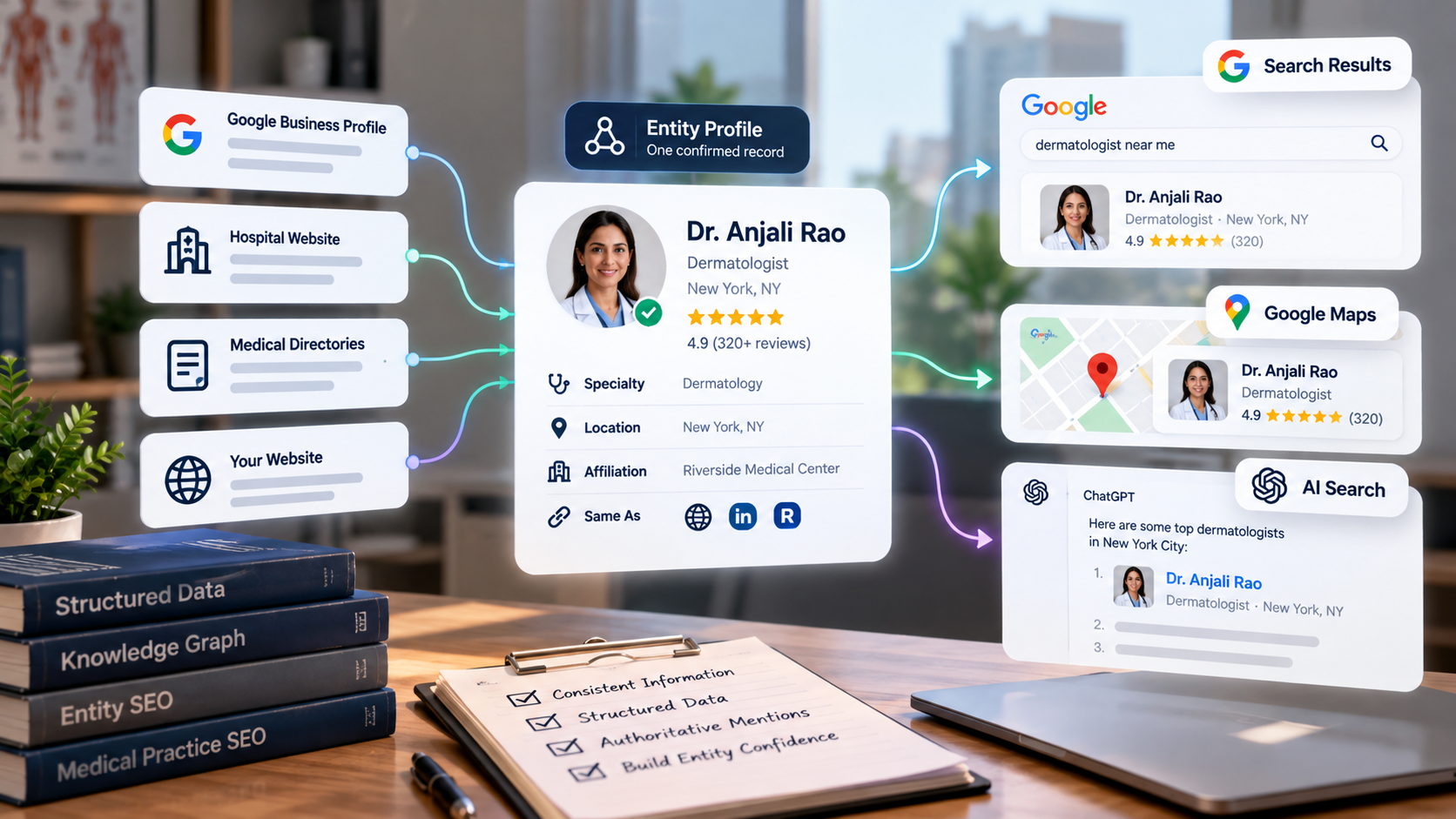
Split, conflicting listings do not just hurt Maps; they weaken how AI assistants understand your practice. When a patient asks ChatGPT, Gemini, Claude, or Perplexity for a doctor, those tools name one to three practices using directory data and consistency across sources. Two versions of your clinic with different addresses or phone numbers is exactly the kind of inconsistency that makes an AI model unsure which record is right, so it names a competitor whose details line up cleanly instead. One clean profile helps both Google and AI.
Your duplicate clean-up this week
Set aside 30 to 45 minutes.
- In an incognito window, search your current name, former name, address, phone, and old phone in Google Maps, and list every version of your clinic.
- Pick the keeper: the verified, accurate profile with your real review history.
- Report or merge the extras, from your dashboard if you manage them, or with "Suggest an edit" if you do not.
- Confirm any second listing for a group practice is a legitimate, distinct practitioner profile, not an accidental copy.
Once you are down to one clean listing, the Free Audit at thedocmirror.com checks your Google Business Profile and directory consistency across the web and flags mismatches that read as duplicates, in about 90 seconds with no signup for the free score.