How to Check If ChatGPT, Gemini, and Perplexity Recommend Your Practice (Free Method)
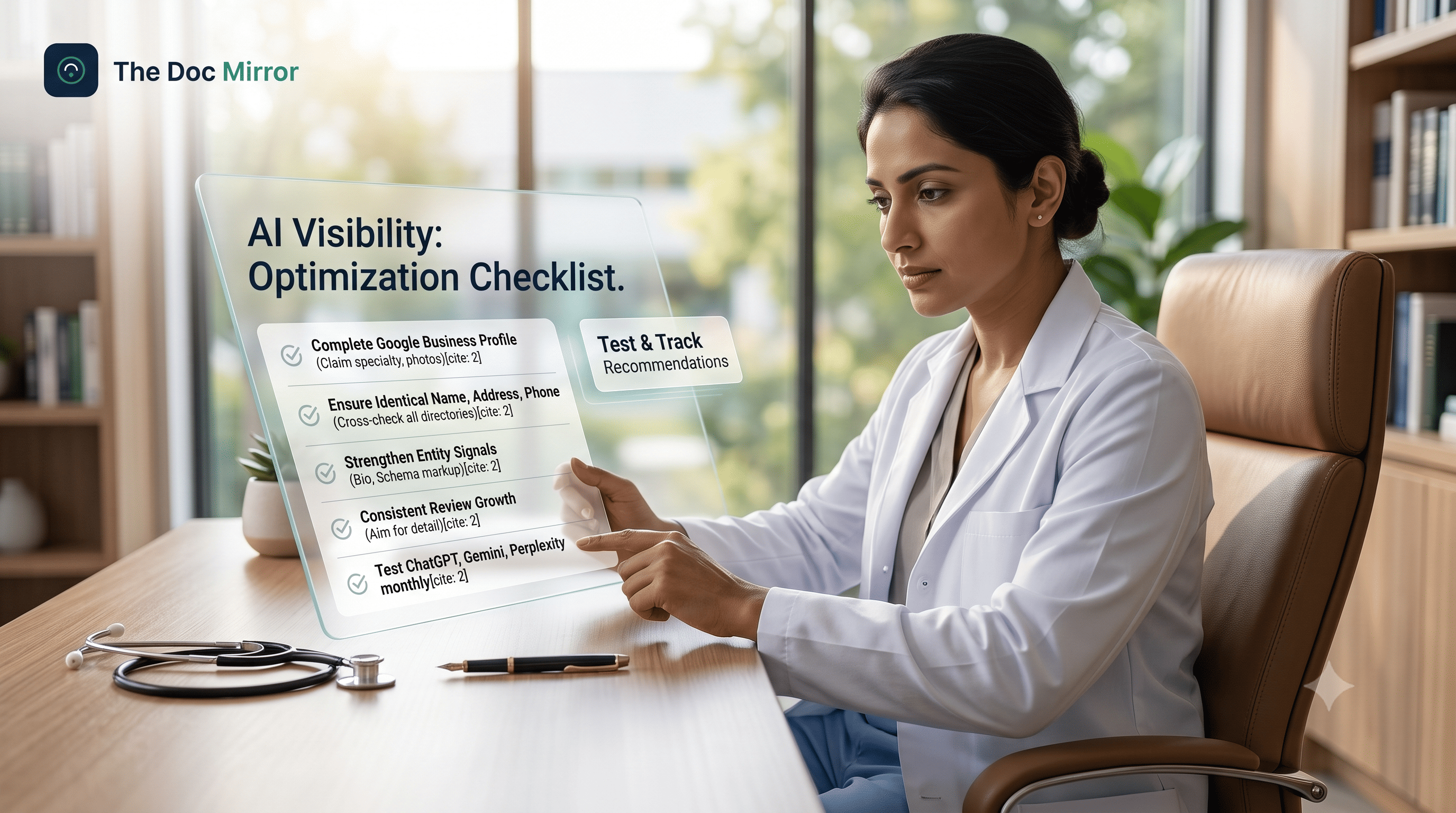
To check AI visibility for your practice, open ChatGPT, Gemini, Claude, and Perplexity and type the exact question a patient would ask: "Who is a good [your specialty] in [your city]?" Then read whether you are named, how you are described, and whether the details are correct. If you are not mentioned in the first, cleanest answer, patients using that assistant are not seeing you either. This post gives you the precise prompts, the variations that matter, and a simple way to record what you find, so you can run the whole check in about 10 minutes.
What does it mean to check AI visibility
Checking AI visibility means asking the AI assistants your patients use whether they name your practice when someone describes their need. It is not about your Google rank or your star rating. It is about whether ChatGPT, Gemini, Claude, and Perplexity can confidently state your name, specialty, and location. This matters because in the rater8 2025 patient-choice report, 26% of patients said an AI tool influenced their choice of provider. If the assistants hedge, name competitors, or stay silent, that influence flows to someone else.
Which AI assistants should you test
Test all four, because patients split across them and each retrieves information differently.
- ChatGPT is the most widely used. Test it with web browsing on, since that is how most patients now use it.
- Gemini reflects Google Business Profile and Maps data closely.
- Claude is careful about what it will state as fact, so it is a good test of your credibility signals.
- Perplexity shows its sources, which makes it the fastest way to see which pages an assistant is reading about you.
Checking one and skipping the rest gives a false reading. A dermatologist can appear in Perplexity and be invisible in ChatGPT on the same afternoon.
The exact prompts to test ChatGPT for your clinic
Run these five prompts in each assistant, one at a time, in a fresh chat. Do not sign in with an account that carries your own history, or you will bias the result. Replace the brackets with your details.
- Specialty plus city: "Who is a good [cardiologist] in [Austin]?"
- Near me intent: "Best [dentist] near [downtown Denver] taking new patients."
- Condition-based: "I have [recurring knee pain]. Which [physiotherapist] in [Pune] should I see?"
- Direct name check: "Tell me about [Dr. Full Name], [specialty] in [city]. Is this a real practice?"
- Shortlist test: "Give me 3 [gynaecologists] in [Hyderabad] with good reputations."
For India, use natural local phrasing too, such as "best skin doctor in Bandra Mumbai" or "ENT specialist near Koramangala Bengaluru." For the US, mirror how patients type, such as "top rated pediatrician Brooklyn" or "family doctor near me Delhi" for cross-market clinics. The condition-based prompt matters most, because that is how worried patients really search.
How to record what you find
Use a simple table so you can compare across assistants and spot patterns. For each prompt, note four things.
- Named or not: Did the assistant say your practice by name, yes or no?
- Position: Were you first, in the shortlist, or only after a follow-up question?
- Accuracy: Are your specialty, location, and phone number correct as stated?
- Sources: In Perplexity especially, which pages did it cite? Your website, a directory, or nothing about you?
A pattern emerges fast. Maybe you appear in Gemini because your Google Business Profile is clean, but vanish in ChatGPT because your directory listings disagree. That gap is your work list.
How to read what the results actually mean
The result is a signal, not a verdict, and each outcome points to a specific fix.
- Named correctly in all four: strong AI visibility. Your identity is consistent enough that every assistant repeats it. Protect it by keeping listings accurate.
- Named in some, not others: your public information is inconsistent. One assistant found agreement, another found conflict. This is the most common and most fixable pattern.
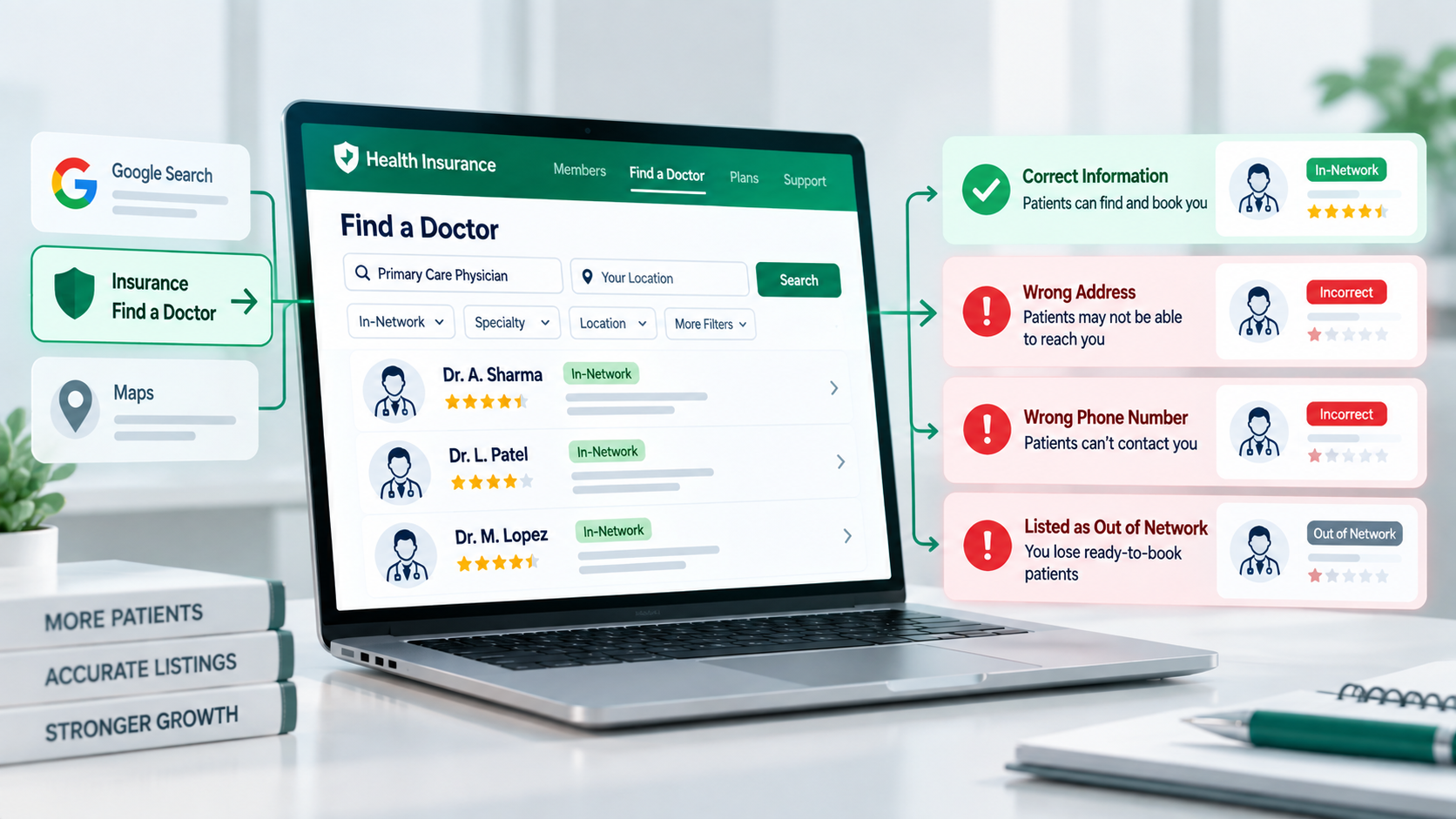
- Named but described wrongly: dangerous. A wrong specialty or old address sends patients the wrong information under your name.
- Not named anywhere: the assistants cannot confirm you as a distinct entity. This usually traces to thin or mismatched directory presence, not poor clinical reputation.
If you want the mechanism behind the silence, how ChatGPT chooses doctors explains the confidence logic in full.
What most doctors get wrong about this check
Most doctors run the check once, see their name, and stop. That is a mistake for two reasons. First, one prompt is not a test. You appeared for "cardiologist in Austin" but did you appear for "chest pain specialist near me"? Real patients use dozens of phrasings.
Second, doctors read one good result as proof and ignore the three assistants that stayed quiet. AI visibility is not pass or fail. It is a score across many prompts and four engines. For Indian doctors, this check is pure measurement within NMC norms: you are observing what public information already says, not promoting anything.
Where a systematic audit goes further than the manual check
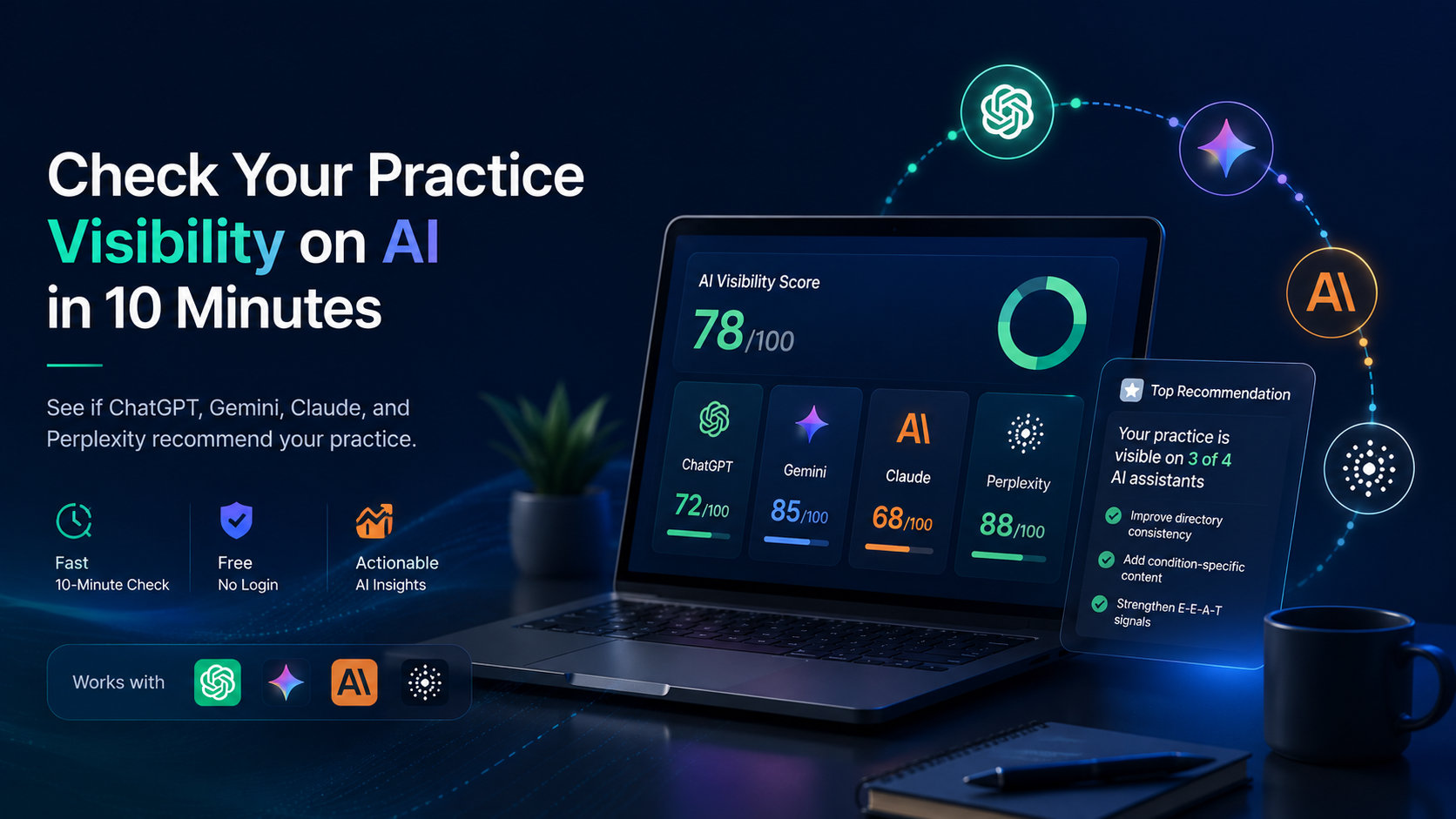
The manual method is real and worth doing. Its limit is scale. You can test 5 prompts across 4 assistants in one sitting, but you cannot easily run 30 phrasings, check 6 directories for the exact mismatches feeding those answers, and turn it into a score you can track.
That is what the Free Audit does. It runs your practice across Google, ChatGPT, Gemini, Claude, Perplexity, and 6 directories, scores you on the 7 pillars out of 100 as a single visibility score, and shows which gaps to close first. The manual check tells you whether there is a problem in 10 minutes. The audit tells you exactly where in about 90 seconds. From that baseline, tracking AI visibility over time keeps it from slipping back.