Moved Your Clinic? The Complete Address Change Checklist for Google
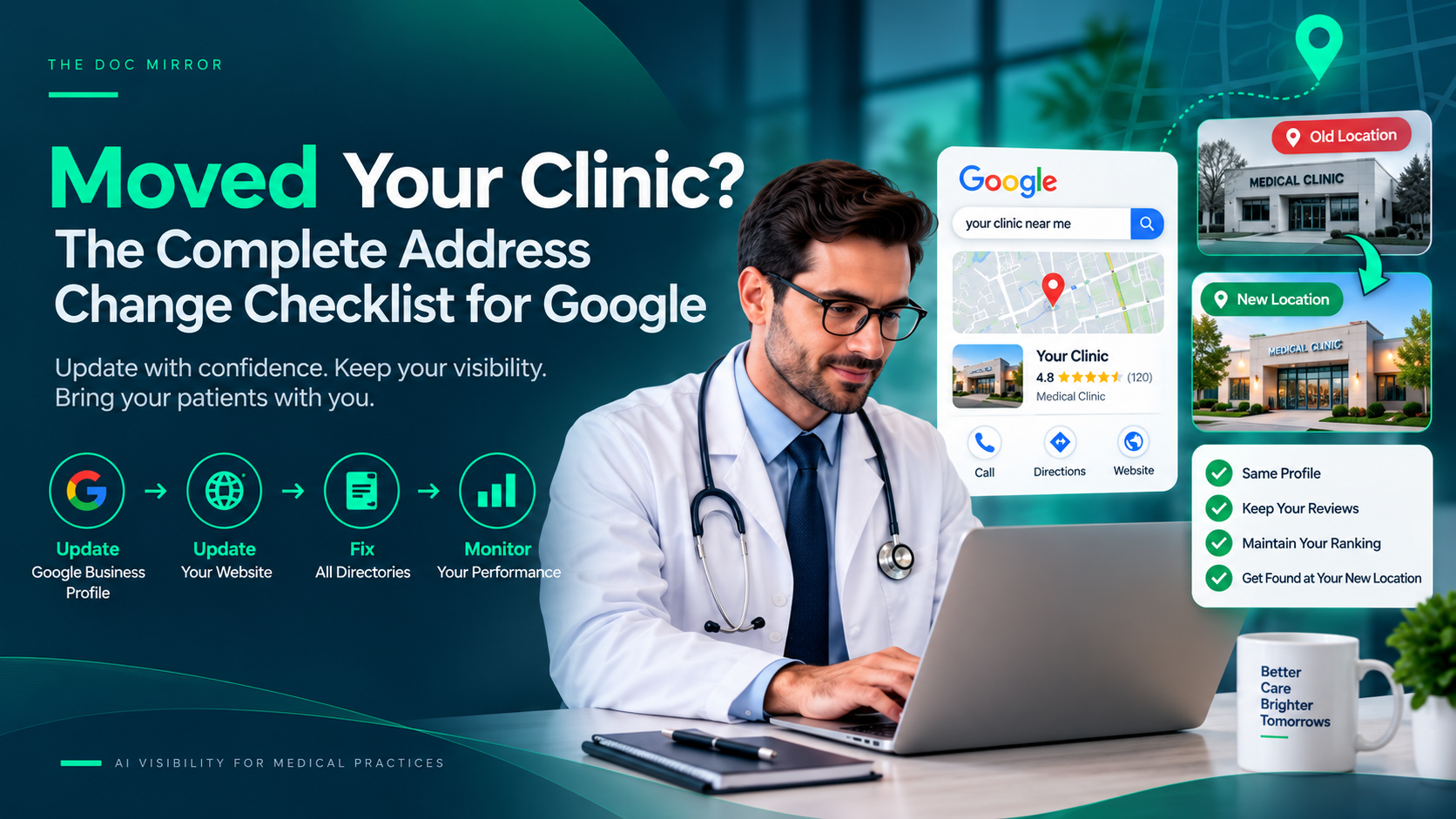
When you move a clinic, change the address on your Google Business Profile first, expect that it may trigger re-verification, then update the same address across every directory and your website so nothing conflicts. Done carefully, you carry your reviews and ranking history to the new location; done carelessly, an address change can get the profile flagged, disabled, or split into a duplicate, and your hard-won visibility resets. Because your Google Business Profile is the heaviest factor in local visibility, an address change is one of the higher-risk edits you can make, which is exactly why it deserves a checklist rather than a quick edit. This guide walks the move in order.
The good news is that you do not lose your reviews or your profile age by moving correctly. Google is designed to let a real business relocate. The damage comes from doing it in the wrong order or leaving old addresses scattered across the web.
First, understand the risk
An address is a sensitive field. Changing it, especially suddenly or on a newer profile, can flag the listing for review while Google re-confirms the business, and a review can temporarily reduce how often you appear. In some cases a change triggers re-verification, and occasionally a profile is disabled after an address change that Google could not confirm, which is why Google Business Profile disabled after address change is a known scenario with a reinstatement path. None of this means you should avoid moving the listing; it means you should update the real address promptly, accurately, and everywhere, so Google sees one consistent new location rather than a conflict.
The worst move is the one some practices make out of caution: leaving the old address on Google and just adding the new one somewhere else. That guarantees a conflict. Update the real address.
Step 1: Change the address on your Google Business Profile
Start at the anchor listing.
- Sign in to the account that manages the profile and open your business information.
- Update the address to the new, exact format, including the suite number, and save.
- Update the map pin so it sits on your new customer entrance, not the old building or a nearby lot.
- Update your hours if they changed with the move, and your service area if you have one.
Be ready for Google to ask you to re-verify, often by video, showing the new signage and location. Changes and re-verification can take some time to appear, so make the edit as soon as the move is real.
Step 2: Update your website
Your own site is the second most important record and a common miss.
- Update the address in the footer, contact page, and any location pages.
- Update the address inside your schema markup if your site has it, so the structured data machines read matches the new location.
- Update any embedded map pointing to the old address.
A website still showing the old address while Google shows the new one is exactly the conflict that undercuts the move.
Step 3: Update every directory to match
Now reconcile the wider web to the new address. Work through your citations the same way you would in a NAP audit.
- Healthgrades, Zocdoc, Vitals, and WebMD: update each to the new, exact address.
- Insurance and network directories: these are often overlooked and slow to change, so start them early.
- Search for stray listings by your name, old address, and phone number to find auto-generated or old profiles still showing the previous location, and correct or report them.
- Watch for a duplicate created by the move. If a second listing appears at the new address, resolve it with how to find and merge duplicate Google listings rather than leaving both.
The goal is that a search anywhere returns one address, the new one, with no lingering old records.
Step 4: Confirm and monitor
After the change propagates:
- Search your practice name and confirm Google shows the new address and an accurate pin.
- Confirm the profile stayed verified. If it was disabled, follow the reinstatement path with proof of the new address.
- Check your Google Business Profile performance view over the following weeks to confirm calls and direction requests recover, since a brief dip during a move is normal.
What most doctors get wrong about moving
The biggest mistake is updating Google and stopping, leaving a dozen directories and the website footer still pointing at the old suite. Google cross-checks those sources, so the leftover old addresses read as a conflict and stall the recovery. The second mistake is creating a brand-new profile for the new location instead of editing the existing one, which throws away the reviews and profile age you already earned. Move the existing listing; do not start over. If the profile does get disabled during the move, that is a recoverable reinstatement, not a reason to abandon it.
A note on AI: a clean move keeps you in AI answers
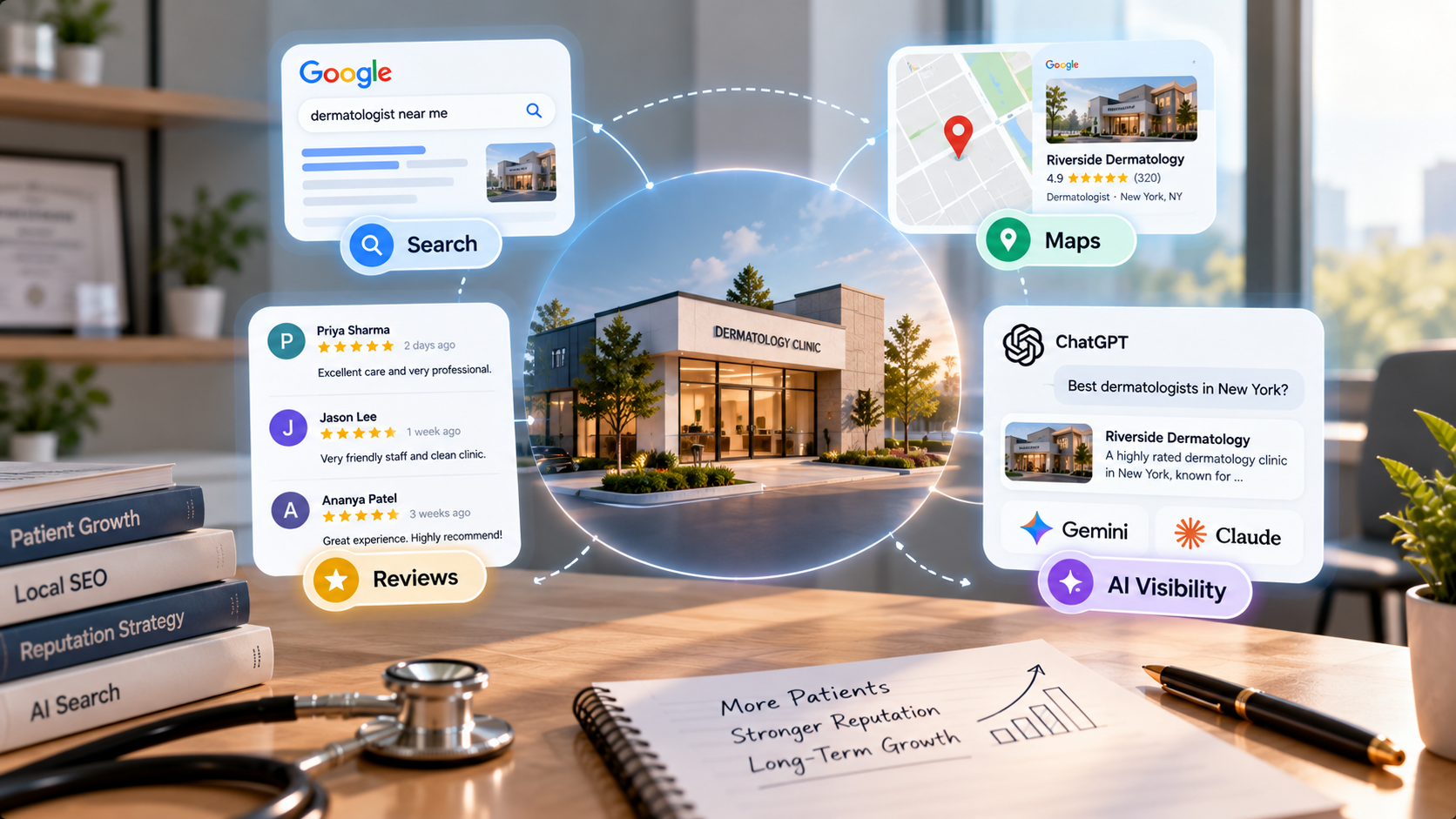
An address change ripples into AI answers through the same directories. When a patient asks ChatGPT, Gemini, Claude, or Perplexity for a doctor, those tools name one to three practices using consistent location data across sources. During a sloppy move, half the web shows your old address and half shows the new one, which is precisely the inconsistency that makes an AI model unsure of your location and likely to name a competitor instead. Updating every source to the new address quickly keeps you findable in AI answers as well as on Maps.
Your address-change checklist
Work it in order, top to bottom.
- Change the address and map pin on your Google Business Profile, and complete re-verification if asked.
- Update your website footer, contact page, location pages, schema, and embedded maps.
- Update Healthgrades, Zocdoc, Vitals, insurance directories, and any stray listings to the new address.
- Resolve any duplicate created by the move, then confirm Google shows one accurate address and monitor the recovery.
If you want to see every place your old address still lingers, the Free Audit at thedocmirror.com scans where your details appear across your Google Business Profile and major directories and surfaces the ones still pointing at the old location, in about 90 seconds with no signup for the free score.