Do Clinic Photos Affect Your Google Ranking? What to Shoot and How Many
Clinic photos affect your Google ranking mostly indirectly, by driving the patient engagement and profile completeness that Google rewards, rather than acting as a direct ranking lever on their own. Practices with rich, current photo galleries consistently see more views, more direction requests, and more engagement than bare profiles, and those behaviour signals feed back into local ranking. But the relationship is easy to misread, and a doctor who expects a weekly photo upload to vault them up the map pack will be disappointed. This guide separates what photos actually do from the myths, shows what the data says about photo volume, and gives a specific shot list for a medical practice. It is written for doctors who want to know whether photos are worth the effort and, if so, which ones.
The honest answer: indirect, not magic
It is worth being precise, because a lot of local-SEO advice overstates this. Photos are not a strong direct ranking factor the way your primary category or your reviews are. Google does not simply rank the clinic with the most images higher. What photos do is influence the behaviour of patients looking at your profile, and that behaviour is a signal Google reads.
Recent analysis makes the nuance clear. A late-2025 review by local-search specialists found that in visually driven industries like restaurants and salons, recent photos genuinely help, while for some service businesses uploading a new photo every week does little for ranking directly. Medicine sits in between. A clinic is not a restaurant, where the food photo is the product, but patients still want to see the building, the reception, and the faces before they trust you with their health. So the value of photos for a practice is real but mostly indirect: they lift engagement and trust, which supports ranking, rather than moving the algorithm by themselves.
This framing matters because it sets the right expectation. Photos belong in your visibility work as a supporting player, one of the seven pillars a doctor visibility score tracks, not as the lever you pull when you want to outrank a competitor. For that, relevance and prominence do the heavy lifting, as explained in distance versus prominence. Photos make the profile that ranking sends patients to actually convert.
What the data says about photos and engagement
The numbers behind photos are about engagement far more than raw position, and read that way they are genuinely compelling.
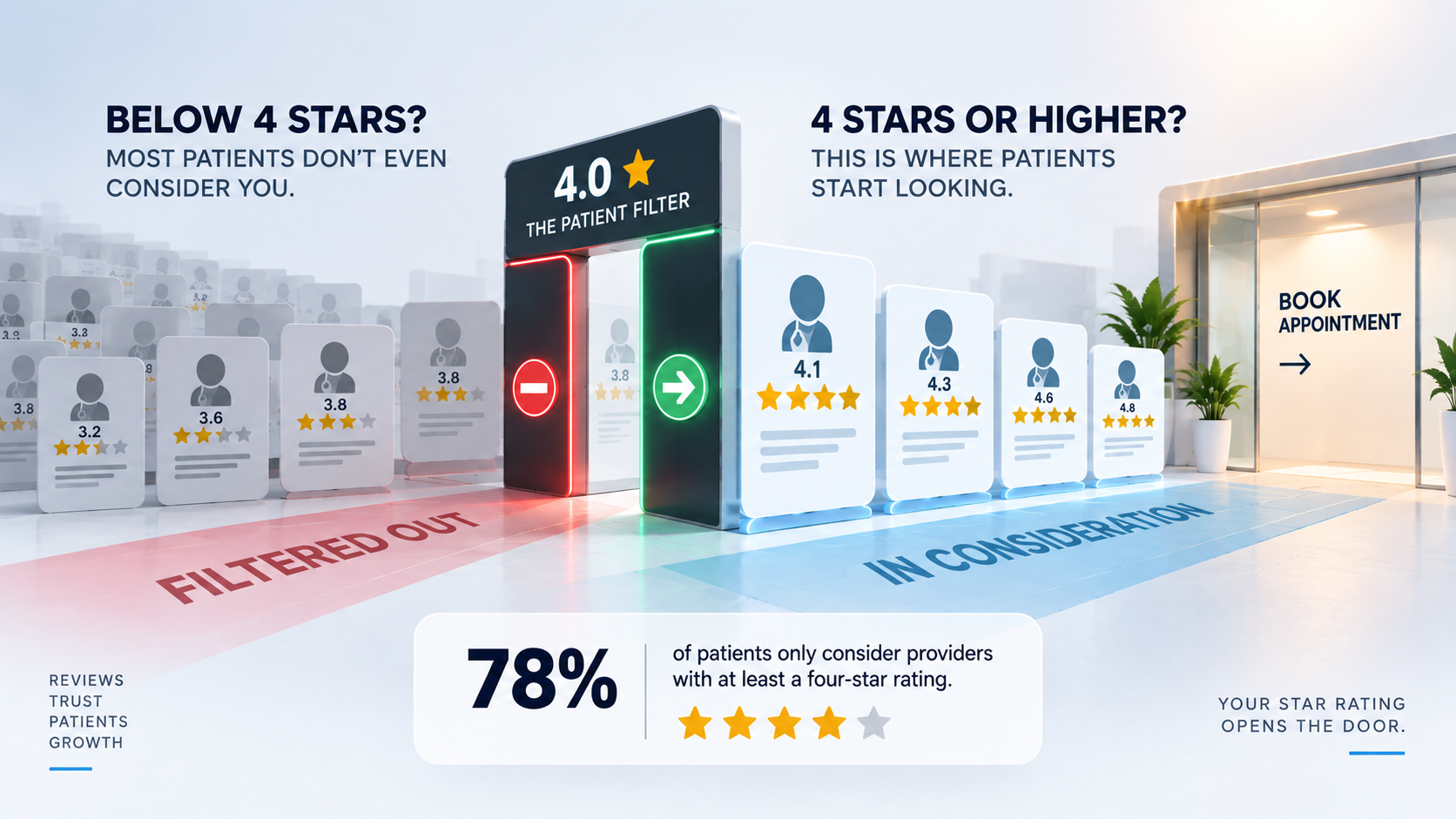
Analyses of Google Business Profiles consistently find that profiles with more images draw dramatically more patient action. Businesses with large photo galleries see far more requests for directions and far higher overall engagement than profiles with few or no images, a pattern documented in Local Falcon's review of photos in local SEO. Volume benchmarks bear this out at the top of results: 2025 studies found that businesses ranking in the top three local positions carried a couple of hundred images on average, well above those ranking further down, and a separate refresh study showed that simply updating photos across a set of locations produced double-digit growth in listing views year over year. There is even evidence that how photos are handled matters, with a Search Engine Land analysis of geotagging photos examining whether location metadata influences rank.
The important caveat, and it is the same one that applies to reviews, is that correlation is not proof of direct causation. Businesses with lots of photos also tend to be the ones actively managing their whole presence, so photos are partly a marker of a well-run profile. That is actually reassuring, because it means the winning move is not to dump hundreds of images to trick Google, but to maintain a genuinely complete, current profile that happens to include good photos. The engagement lift is real either way, and engagement is what indirectly supports your ranking.
How many photos, and how fresh
There is no magic count, but there is a sensible working target and a clear principle about freshness. A practice should aim for a complete, representative gallery rather than an arbitrary number, and then keep it current.
As a practical benchmark, a set of roughly two dozen quality images covering the main categories is a strong foundation for a clinic, and studies of top-ranking profiles suggest that leaders often carry considerably more over time. But do not treat the number as the goal. A dozen clear, accurate, well-lit photos that genuinely show the practice beat fifty repetitive or low-quality ones. The categories matter more than the count, because a patient wants to see specific things, and covering each of them once is worth more than ten near-identical shots of the waiting room.
Freshness is the other half. Patients trust a profile that looks current, and an active profile signals to Google that the business is live and maintained. Adding a few new photos periodically, for example after a refurbishment, a new piece of equipment, or simply on a light quarterly schedule, keeps the gallery from going stale. You do not need to upload daily, which the data suggests does little on its own. You need a gallery that is complete, accurate, and refreshed often enough to look alive, in much the same way a steady trickle of reviews outperforms a stale pile, a parallel drawn in how many Google reviews a clinic needs to rank.
The shot list for a medical practice
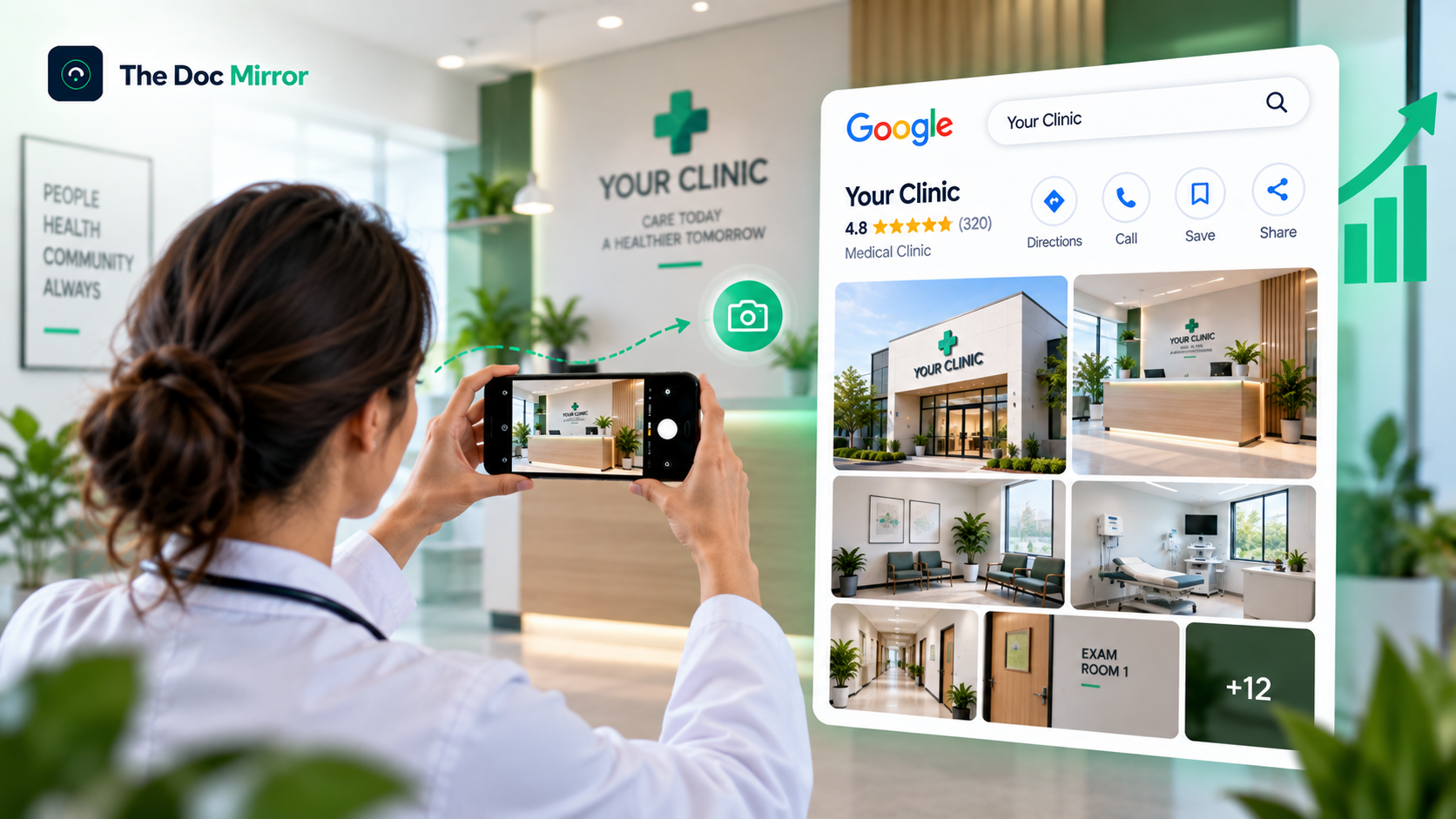
Because categories matter more than count, the most useful thing is a concrete list of what to photograph. Aim to cover each of these, with a couple of good options per category.
- Exterior and entrance. Clear shots of the building and the actual door patients use, ideally with any signage visible, so a patient recognises the place when they arrive. This also quietly reinforces the correct location.
- Reception and waiting area. The first interior space a patient sees, clean and welcoming, which does much of the reassurance work.
- Consultation and treatment rooms. Tidy, professional views of where care happens, without any patient or patient information ever appearing in frame.
- Team and provider headshots. Faces build trust faster than anything else, so include professional headshots of the doctors and key staff, with their consent.
- Equipment and facilities. Notable equipment or facilities that signal capability, particularly for specialties where that matters to a patient's choice.
- Parking and access. Where to park and how to get in, which is genuinely useful and reduces the friction that loses patients at the last step.
Two rules govern all of them. Never include a patient, a patient's records, or anything identifying in any image, which protects privacy and, in India, aligns with the prohibition on posting patient imagery. And keep quality high: good light, straight framing, and honest representation, since a misleading photo erodes the trust the exercise is meant to build. Getting your primary category right so these photos attach to the correct kind of profile is a related foundation, covered in choosing the right primary category.
The technical side: uploading photos so they count
Beyond what you shoot, a few technical habits help your photos work harder, both for engagement and for the small signals that support ranking. None of these is complicated, and together they separate a profile that looks maintained from one that looks neglected.
Upload directly to your Google Business Profile rather than relying only on images Google or patients happen to attach, so you control the primary images patients see first. Use good resolution, since blurry or pixelated photos undercut the trust you are trying to build, and Google displays sharp images more prominently. Name your image files descriptively before uploading, for example using the practice and location rather than a camera's default string, which is a small tidiness signal. There is ongoing discussion, examined in the geotagging analysis referenced above, about whether embedding location metadata in photos helps a local business, and while the effect is debated, accurate location data certainly does no harm and aligns your photos with your real address. Finally, set a strong primary photo, usually your exterior or a clean reception shot, because it is the first image a patient associates with your practice.
Treat these as a one-time setup plus a light habit, not a project. Get the primary image right, upload a clean set at good resolution with sensible file names, and you have captured most of the technical benefit. The rest is simply keeping the gallery current, which the freshness principle already covers.
Common photo mistakes that waste the effort
A few habits neutralise the benefit of photos, and they are easy to avoid once named.
The first is uploading only a logo and a single stock-style image, which reads as a placeholder rather than a real practice and gives patients nothing to connect with. The second is stock photography standing in for the actual clinic, which patients increasingly recognise and distrust, and which fails the honesty test entirely. The third is letting the gallery go completely stale for years, so the newest image predates a renovation and the profile looks abandoned. The fourth, and the most serious, is any image that captures a patient, a chart, a screen with records, or other identifying detail, which is a privacy breach regardless of intent. The fifth is quantity over quality, flooding the profile with dozens of blurry, repetitive, or poorly lit shots that make the practice look worse, not better.
Avoiding these is mostly common sense once you are looking for them. A modest, honest, well-shot, privacy-safe gallery that is kept reasonably current does the job. The goal is a profile that looks like a real, active, trustworthy practice, because that is what turns the patient who found you into the patient who books.
Where to start
Photos will not rocket you up the rankings on their own, and any advice that promises that is overselling. What a strong, honest gallery does is quieter and still valuable: it makes patients trust the profile they land on, lifts the engagement signals that support ranking, and turns a found practice into a booked one. Start with the shot list, cover each category once with a good image, keep patients out of every frame, and refresh it a few times a year.
The Free Audit checks how your practice appears across Google, AI assistants, and 6 directories, scores you on the 7 pillars including your photos, and shows exactly which gaps to close first. It takes about 90 seconds and needs no signup for the free score.
Run your free audit at thedocmirror.com
By the The Doc Mirror team