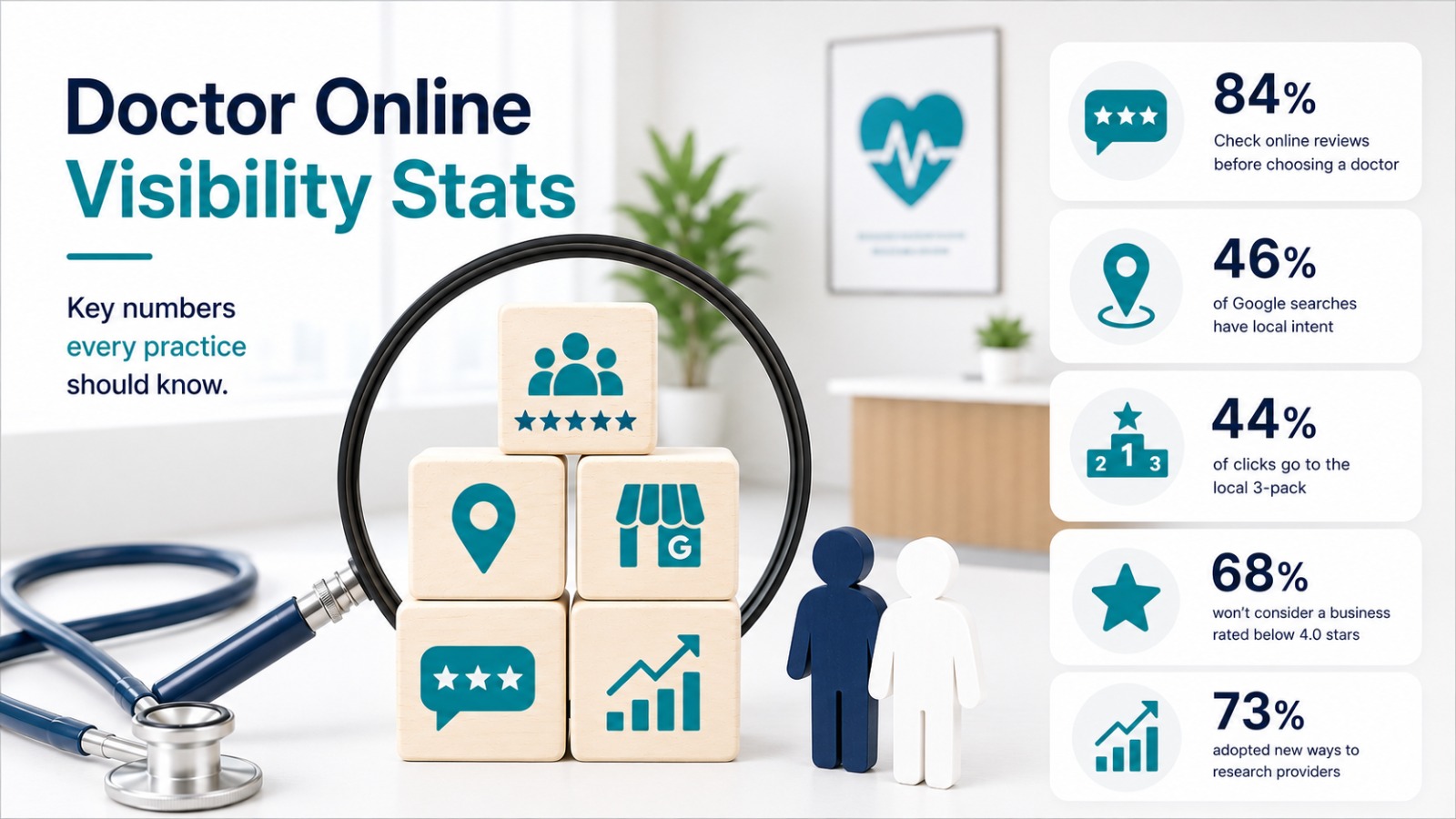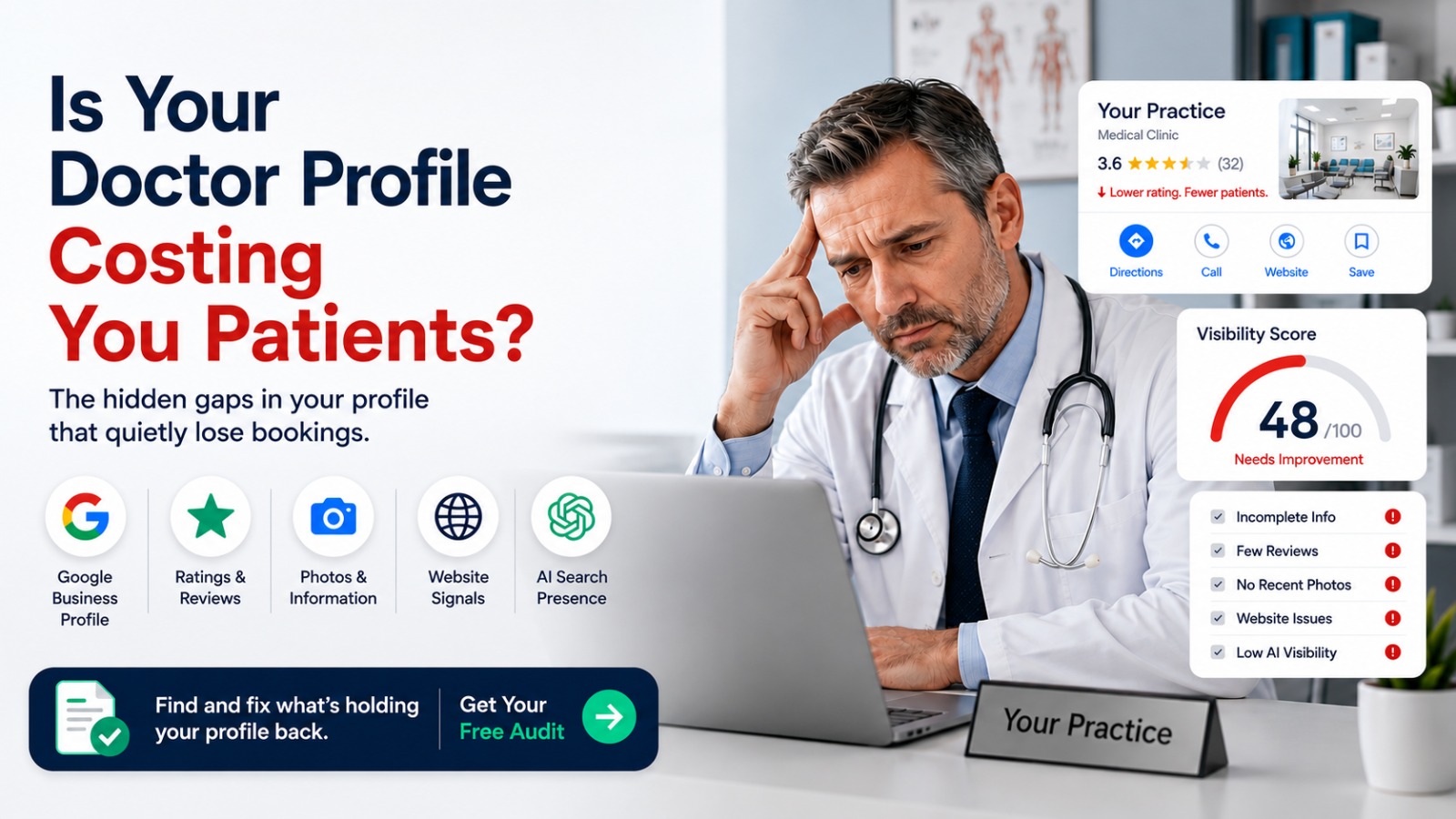
Very likely, yes, and the cost is silent because the elements that lose you bookings are the ones you rarely look at. Your profile is not a single page. It is a set of pre-decision surfaces a patient scans in seconds, and a gap in any one of them sends the patient to the practice listed next to you. Reviews sit at the center of that scan: 97% of consumers now read online reviews for local businesses, and 68% will not use one rated below 4 stars, according to BrightLocal's Local Consumer Review Survey. This article is a teardown of the specific profile elements that quietly cost you patients, element by element, each with a way to check it yourself.
What "your profile" actually is
Most doctors picture one page. In practice, your profile is everything a patient sees before they decide, spread across several surfaces that load together in a search result.
- Your Google Business Profile, the listing that powers the local pack, the block of three map results above the ordinary links.
- Your star rating and review count on Google and directories like Healthgrades and Zocdoc.
- Your photos, hours, listed services, and booking link.
- Your website signals, which tell search engines and AI assistants what you do and where.
- Your presence in AI answers when a patient asks ChatGPT or Gemini for a doctor nearby.
Each of these is a distinct surface with a distinct failure mode. The Doc Mirror scores all of them across 7 pillars, so the cost stops being a vague worry and becomes a set of numbers you can act on. The teardown below walks the surfaces in the order a patient encounters them.
Google Business Profile: the surface that decides who is seen
This is the single highest-weighted part of your profile. In Whitespark's 2026 Local Search Ranking Factors study, Google Business Profile signals account for about 32% of local ranking weight, more than any other factor. Google itself ranks local results on relevance, distance, and prominence, and your profile is where you control relevance and prominence.
The gaps that quietly cost bookings here are boring and common. An unverified listing that Google will not reliably rank. A primary category set to the generic "Doctor" or "Medical clinic" instead of your exact specialty, which competes for the wrong searches. Missing hours, no services, no description, and no booking link, each of which lowers how often you appear and how often patients click when you do.
How to check it: search your clinic name in an incognito window. Confirm the profile is verified, the primary category names your specialty precisely, and every field is filled, including holiday hours and a working appointment link. If your clinic does not surface for its own name and city at all, that is a different and more urgent problem worth ruling out first: see why a clinic does not show up in local search.
Reviews and rating: the trust check every patient runs
After the profile decides whether you are seen, reviews decide whether you are chosen. This is the fastest filter a patient applies, and the bar is specific. In BrightLocal's survey, 31% of consumers will only use a business rated 4.5 stars or higher, 68% require at least 4 stars, and 92% say star ratings affect their decision. A rating a few tenths below the competitor above you is enough to lose the click.
Count matters as much as the average. A rating of 4.9 across 6 reviews reads as thin and unproven. A 4.6 across 120 reads as established. Recency matters too: 74% of consumers look for reviews written within the last three months, so a wall of praise that stops two years ago quietly raises doubt.
There is one more element most doctors skip entirely. Responding to reviews is itself a booking signal: 80% of consumers are more likely to use a business that responds to every review, while 50% are put off by templated or generic replies. Responses must stay HIPAA-safe and never confirm that a reviewer was a patient, but their presence reassures.
How to check it: compare your rating, review count, and most recent review date against the two practices ranking directly above you. The distance between you is the gap to close. Earn reviews only through genuine requests to real patients. Never buy, write, gate, or incentivize them, all of which breach Google's policies and the FTC's 2024 rule banning fake and incentivized reviews.
Photos: the legitimacy check
Photos are a small pillar with an outsized effect on whether a listing feels real. A profile with clear images of the exterior, signage, reception, and care areas reads as a functioning practice. One with only a logo, or two photos from years ago, reads as neglected. Profiles with photos draw more clicks and direction requests than profiles without them, and Google favors listings that stay current.
This is one of the cheapest gaps to close and one of the most commonly ignored. It costs nothing but attention.
How to check it: count your photos and note the date of the newest one. If the most recent image is older than a season, that is a fixable leak. Never show identifiable patients without written consent.
Consistency across the web: the quiet disqualifier
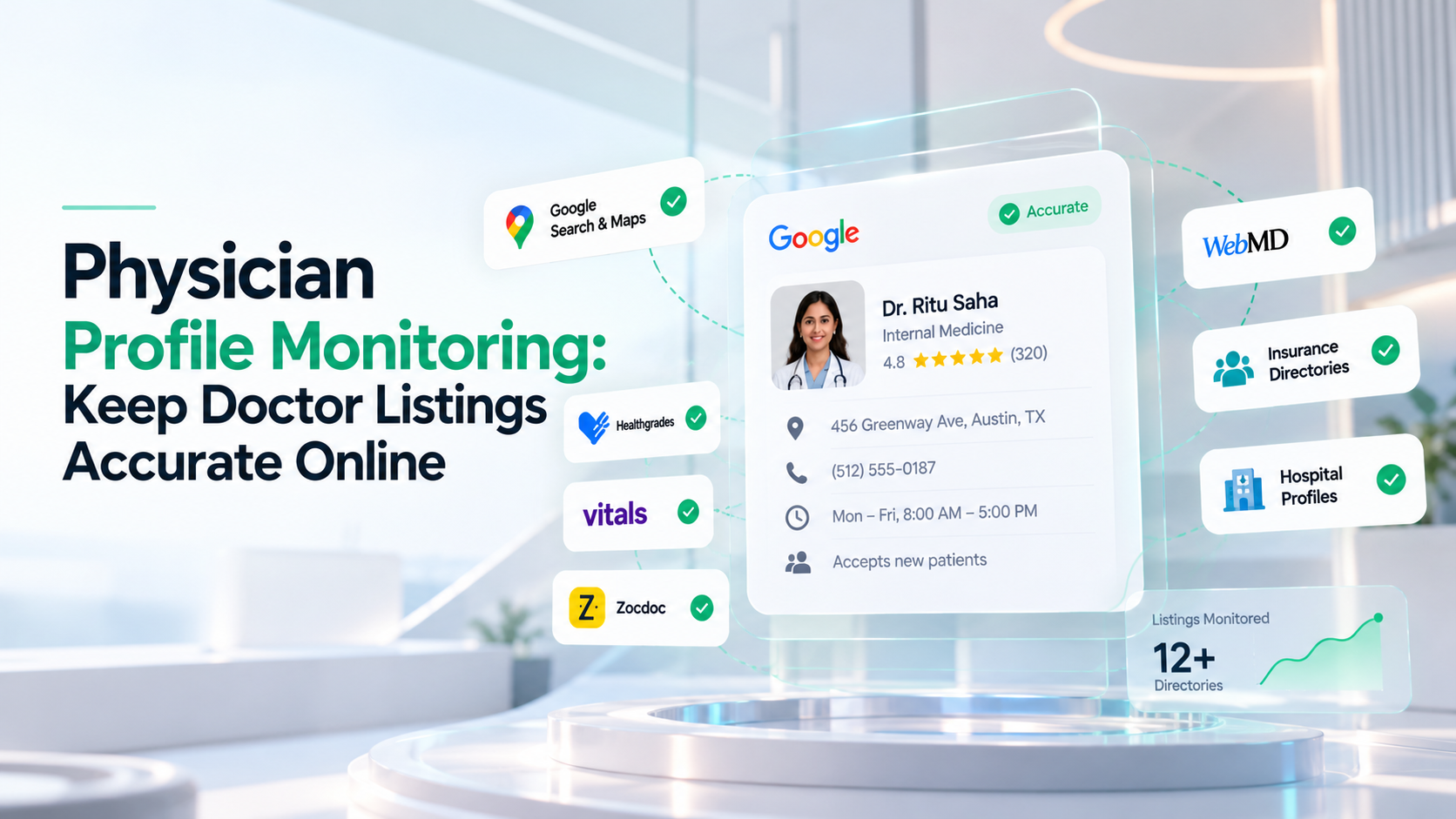
Search engines and AI assistants confirm a practice is real by matching its details in more than one place. When your name, address, and phone, often shortened to NAP for name, address, and phone, differ across Google, Healthgrades, Zocdoc, Vitals, and your own website, that trust drops and so does your rank. The culprits are small: an old suite number, "Ave" versus "Avenue," a landline on one listing and a cell on another, a maiden name on an older profile. Machines read those as different businesses.
Directories are their own pillar for this reason. A patient who finds conflicting hours between Google and Healthgrades hesitates at the exact moment they were ready to book.
How to check it: open your four most important listings side by side. Pick one exact format, write it down, and make every listing match it to the character.
Website signals: the tiebreaker patients never see directly
Your website rarely appears in the local pack, but it supports everything that does. A slow site, no clear statement of your specialty and location, and no schema markup all weaken how Google and AI assistants understand you. Whitespark puts on-page website signals at roughly 15% of local ranking weight, so this is a real contributor, not an afterthought.
Schema markup is a small block of code that states your specialty, address, hours, and credentials in a format machines read cleanly. Most doctor sites built by a local agency never had it added. It is invisible to patients but decisive for how cleanly search engines and AI tools categorize you.
How to check it: open your site, view the page source, and search for "schema" or "application/ld+json." If there is nothing, that is a gap worth closing. A clear, fast page that names your specialty and city helps both rankings and the full picture of what an audit report contains.
A note on AI: the newest surface most profiles fail
You can have a complete Google profile and still be absent from the channel a patient checks first. When a patient asks ChatGPT, Gemini, Claude, or Perplexity for a doctor nearby, the assistant names one to three practices using consistent directory data and structured website signals, not Google's rankings. A profile that is complete and consistent for humans is also the one an AI assistant can identify. A thin, inconsistent one leaves both unsure. Fixing NAP consistency and adding schema is the same work that gets you named in AI answers.
The profile teardown checklist
Set aside 30 minutes and grade each surface yourself, in the order a patient meets them.
- Google Business Profile: verified, specialty-specific primary category, every field filled, working booking link. Yes or no on each.
- Reviews and rating: your rating, count, and newest review date versus the two practices above you. Note the gap.
- Photos: at least a handful of clear, recent images. Note the date of the newest.
- Consistency: name, address, and phone identical across Google, Healthgrades, Zocdoc, and Vitals.
- Website: fast, states specialty and city clearly, and has schema markup in the source.
- AI answer: ask ChatGPT "best [your specialty] in [your city]" and see whether you are named.
The surface with the most "no" answers is where the most bookings are leaking. Fix that one first. The Free Audit at thedocmirror.com grades all of this across 7 pillars in about 90 seconds and ranks the fixes in order, with no signup required for the free score.