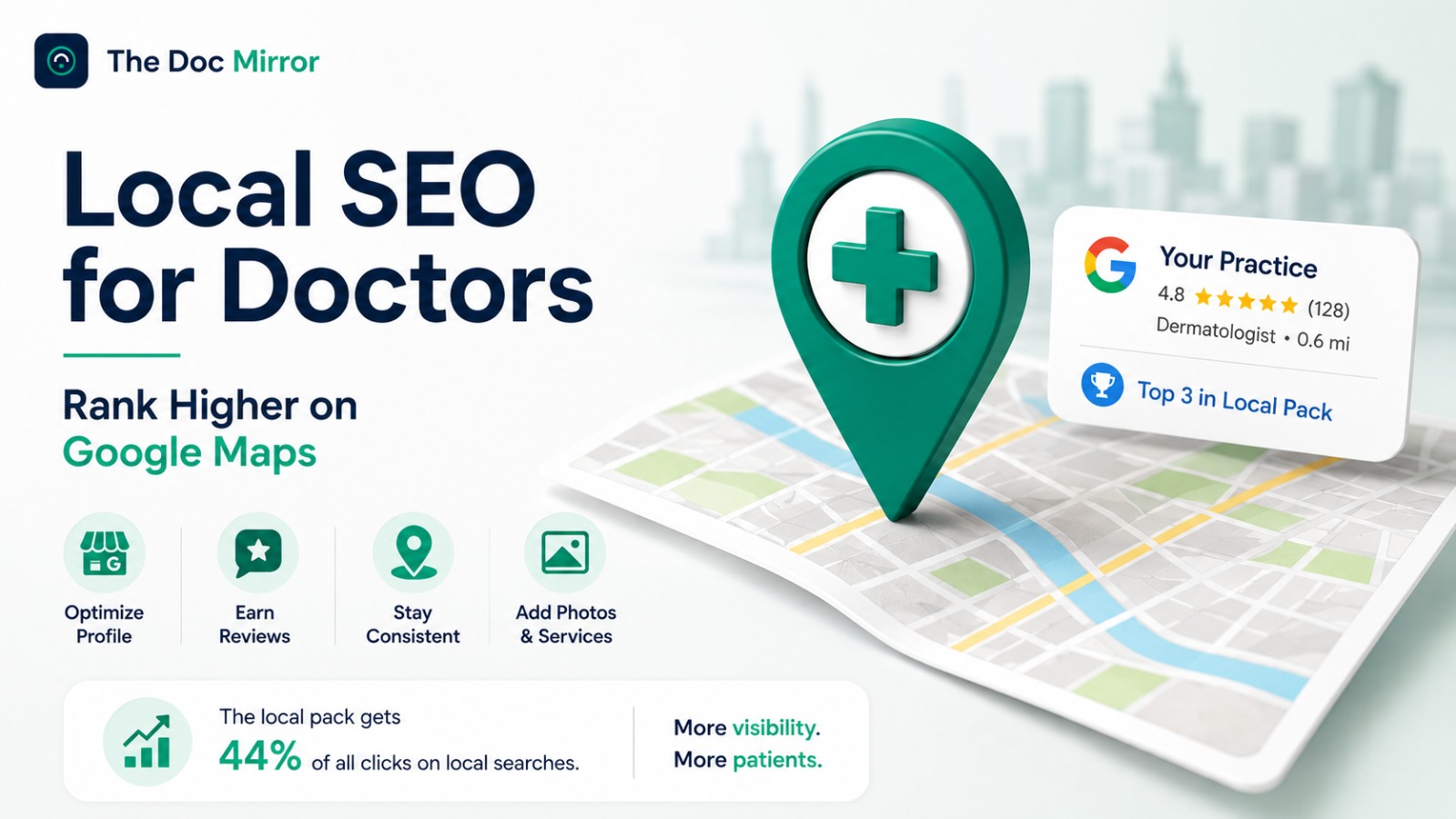
Ranking higher on Google Maps comes down to improving the two ranking factors you control: relevance and prominence. Google ranks every local result on relevance, distance, and prominence, and local SEO for doctors is the ordered work of strengthening the first and third so your practice climbs into the local pack, the block of three map listings shown above the ordinary results. It is not advertising and it is not a trick. It is a sequence of concrete steps: verify and complete your Google Business Profile, choose the right category, earn genuine reviews, make your details consistent, and add photos and structure. This guide walks through each step in the order that moves ranking fastest.
The reason the local pack is worth the effort is click share. It captures around 44% of all clicks on local searches, well ahead of the organic links beneath it, according to Local Falcon's analysis of 50 million search results. If you are not in those three listings, most patients never scroll far enough to find you.
What local SEO means for a doctor
Local SEO, short for local search engine optimization, is the practice of improving how your business appears in location-based searches such as "cardiologist near me" or "dermatologist in Austin." For a doctor, the prize is the local pack, where most patients make their choice before scrolling to anything else.
Google ranks those three listings on three public factors:
- Relevance: how well your profile matches the search, driven mostly by your primary category, services, and description.
- Distance: how close your practice is to the searcher.
- Prominence: how established and trusted your practice looks, based on reviews, consistency, and completeness.
You cannot change distance. Everything else in this guide improves relevance and prominence, which is where Maps rankings are actually won. Independent data shows where to spend your time. In Whitespark's 2026 Local Search Ranking Factors study, Google Business Profile signals account for about 32% of local ranking weight, review signals about 20%, and on-page website signals about 19%. The steps below follow that weighting from top to bottom.
Step 1: Verify and complete your Google Business Profile
Your Google Business Profile is the foundation of every Maps ranking, and an unverified profile is shown far less often, so this comes first.
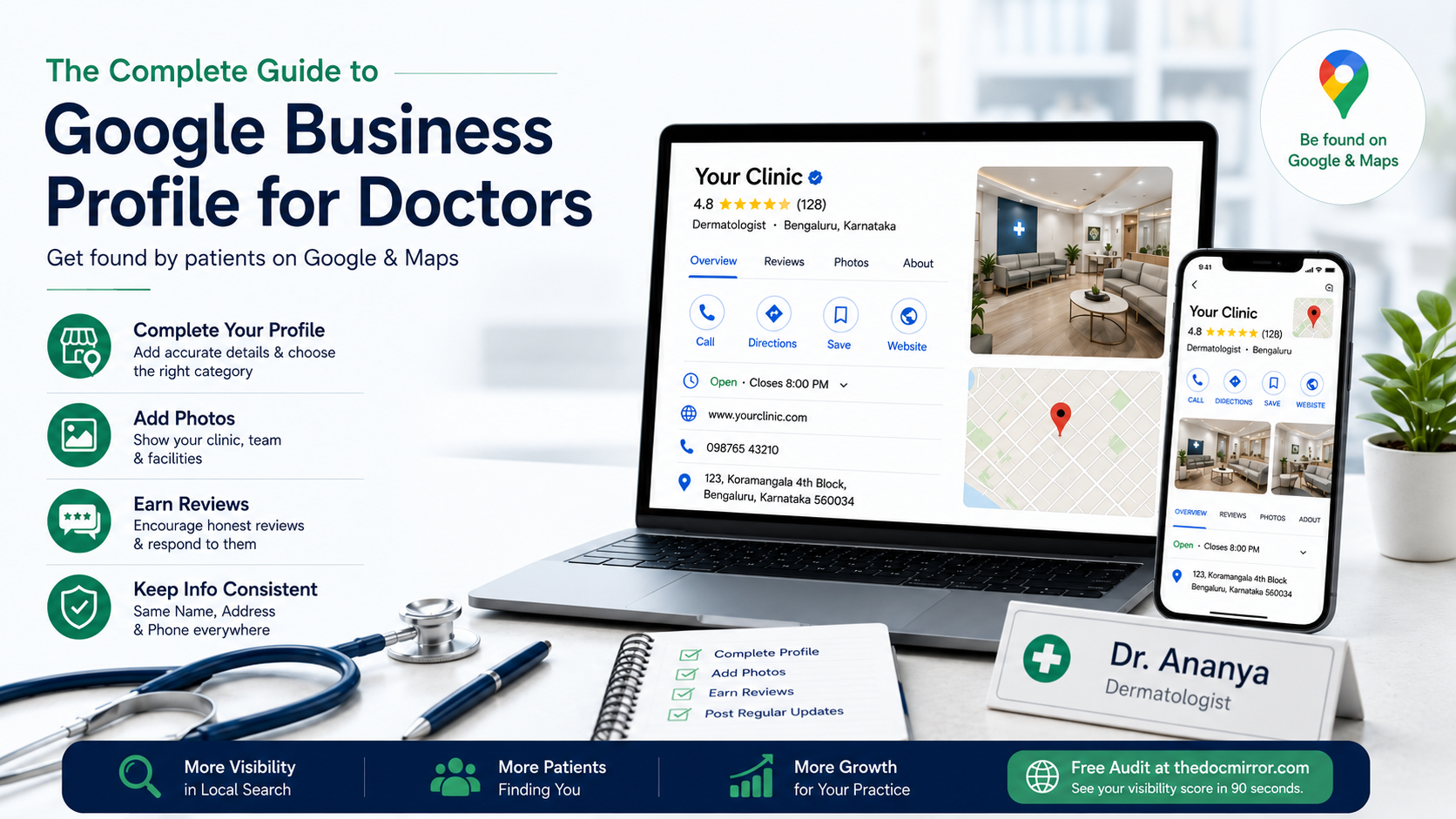
- Claim or create your profile through Google Search or Google Maps while signed in to your Google account.
- Complete verification. For medical practices Google usually requires a video, where you record a short clip showing your signage, your space, and evidence that you manage it. Keep your practice signage, a utility bill, and your state license ready in case Google asks for proof.
- Choose the most specific primary category, for example "Dermatologist" rather than "Doctor," because category is one of the strongest relevance signals Google uses. Add secondary categories only for services you genuinely provide.
- Fill every field: hours including holidays, services, a factual description, your website, and an appointment link.
A complete, verified profile is the single biggest lever most doctors have not pulled. It is free, and it is entirely in your control.
Step 2: Earn genuine reviews and respond to them
Reviews are the second heaviest lever after your profile, around 20% of local ranking weight, and they are what patients compare first in the local pack. They also decide bookings directly: BrightLocal's Local Consumer Review Survey reports that roughly 97% of consumers read online reviews when choosing a local business, and rater8's 2025 report found 84% of patients check reviews before choosing a provider.
- Ask satisfied patients to leave an honest review, and make it easy with a direct review link.
- Never incentivize reviews, write them yourself, gate out unhappy patients, or offer anything in exchange. That breaches Google's policies and the FTC's 2024 rule banning fake and incentivized reviews, which carries civil penalties.
- Reply professionally, but keep responses factual and never confirm that a reviewer was a patient or disclose any clinical detail, which protects confidentiality under HIPAA.
- Aim for a steady flow rather than a one-time burst. Recency and consistency both support ranking, and a practice that closes the review gap with the competitor above it usually climbs the pack over the following weeks.
Step 3: Make your name, address, and phone consistent everywhere
A citation is any listing of your practice details, your name, address, and phone number, often shortened to NAP, on a third-party site like Healthgrades, Zocdoc, Vitals, or WebMD. When those details match exactly everywhere, Google trusts your practice as one confident record. When they conflict, an old suite number here or a different phone there, that trust drops and your rank suffers.
Pick one canonical format for your practice details, write it down, and make every major directory match it to the character. Watch for the usual culprits: "Ste. 200" versus "Suite 200," "Ave" versus "Avenue," and an old phone line still listed somewhere. This single afternoon of clean-up removes one of the most common invisible drags on local ranking.
Step 4: Add photos and keep the profile active
Google favors profiles that are maintained, and photos are a large part of that. Add clear photos of your practice exterior, signage, reception, and consultation areas, and keep adding new ones over time. Profiles with photos draw more clicks and direction requests than profiles without them.
Two rules for doctors specifically: never show identifiable patients without written consent, and never imply a treatment outcome. Keeping photos to your premises and team is the compliant default. Beyond photos, an occasional post about a new service or a changed schedule signals to Google that the listing is current, and answering the questions patients post keeps the profile active.
Step 5: Strengthen the website and structured data behind your ranking
Your website is roughly 19% of local ranking weight, so it supports the profile rather than replacing it. A fast site that clearly states your specialty and location on the page gives Google more to match, and a dedicated page for each location and each major service helps you rank for those specific searches.
Google also evaluates medical listings with extra scrutiny using a framework called E-E-A-T, which stands for Experience, Expertise, Authoritativeness, and Trust. You reinforce it by listing accurate credentials, keeping a real and working website, and earning consistent citations. One technical step helps both search and AI: schema markup, a small block of code that tells Google exactly what your practice is, your specialty, address, hours, and credentials, in a format machines read cleanly. Most doctor websites built by a local agency never had it added, and it also helps AI assistants identify you correctly.
Do not stop at Google Maps
Ranking in the local pack is the core of local SEO, but it is no longer the whole picture. A growing share of patients ask ChatGPT, Gemini, Claude, or Perplexity for a doctor before they open Maps at all, and those tools name one to three practices using directory data, schema, and citations, not Google's rankings. The same rater8 research found 26% of patients have chosen a provider based on an AI tool. The foundations that lift your Maps ranking, a complete profile, consistent citations, and schema markup, are the same signals that let an AI assistant name your practice, so the two channels rest on one base.
Your local SEO routine this week
Most of this is a first push plus light weekly upkeep, well under 2 hours a week.
- Claim, verify, and fully complete your Google Business Profile, starting with the most specific primary category.
- Send review requests to your last several satisfied patients with a direct link.
- Make your name, address, and phone identical across Healthgrades, Zocdoc, Vitals, and your website.
- Add a handful of real photos of your premises and team, and post one factual update.
After that, a few minutes a week to reply to reviews, add a photo, and post an update keeps momentum. Check your Google Business Profile performance view monthly to see whether calls and direction requests are rising. If you want a scored starting point, the Free Audit at thedocmirror.com rates your local presence across 7 pillars in about 90 seconds, with no signup for the free score.