Your Google Business Profile is the free Google listing that decides whether patients find your clinic when they search on Google or Google Maps, and for most Indian private practices it is incomplete, unverified, or out of date. Getting it right is not advertising and it is not promotion. It is making sure that when a patient in your city is already looking for your specialty, the information Google shows them is accurate, complete, and yours. This guide walks through every step, written for a private-practice doctor in a city like Bengaluru, Mumbai, or Delhi who depends on Practo today and wants to own more of how they are found. It stays inside the conduct rules that apply to Indian doctors, and it flags where you should verify specifics with your State Medical Council or the National Medical Commission (NMC).
What this guide covers
- What a Google Business Profile is, and how it differs from Practo and JustDial
- How Google actually decides which clinics to show
- Claiming, creating, and verifying your profile (the step most doctors stall on)
- The fields that influence whether you appear, and how to complete each one correctly
- Photos, reviews, and updates, handled the compliant way
- Keeping your name, address, and phone consistent across the web
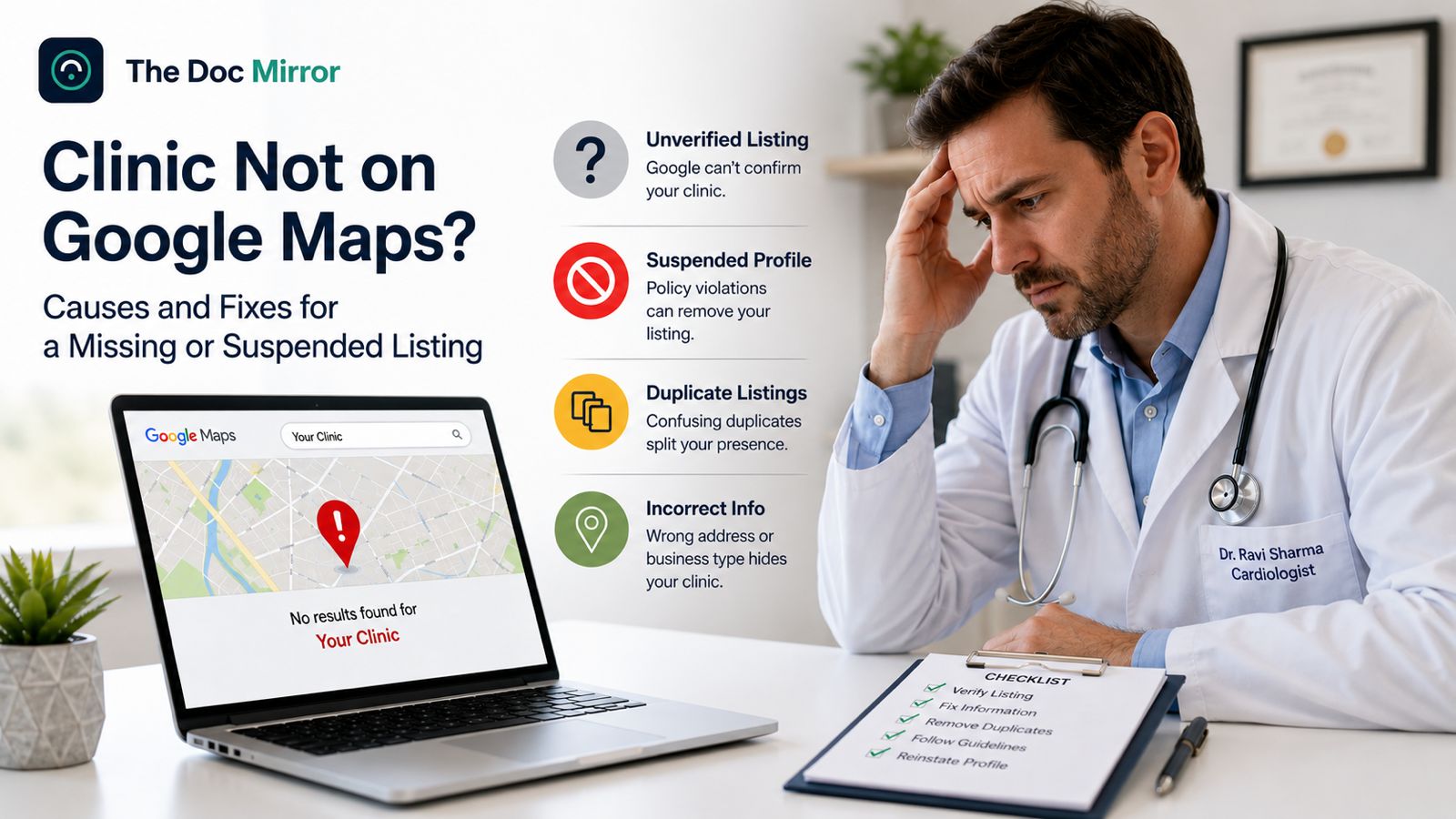
- Fixing common problems: duplicates, suspensions, and wrong information
- How your profile connects to AI assistants like Google Gemini
- How to measure results, and a maintenance routine under two hours a week
What a Google Business Profile is and why it matters for Indian doctors
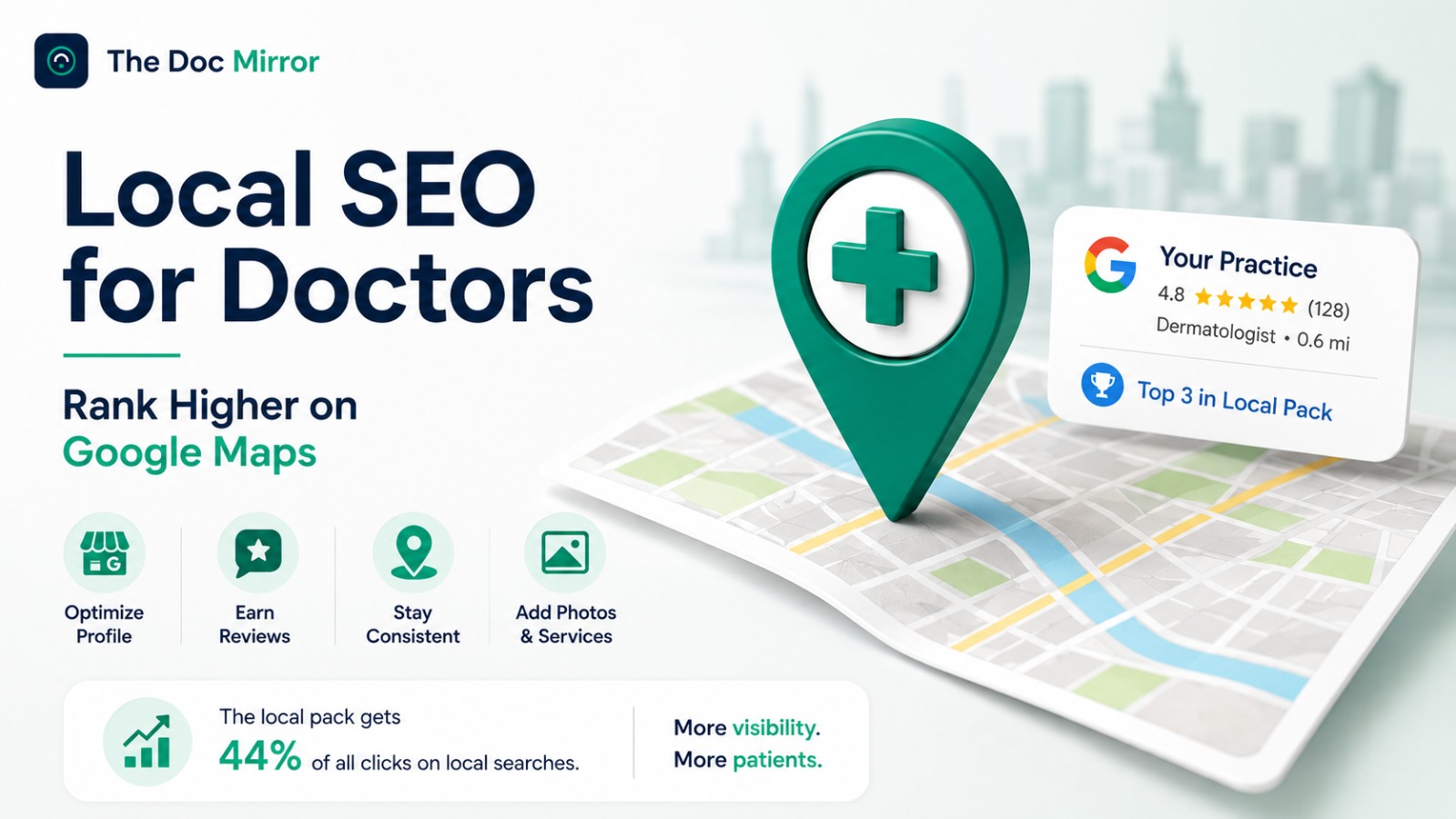
A Google Business Profile is the free listing that shows your clinic name, location, hours, photos, and reviews when a patient searches for you by name, or for your specialty, on Google Search and Google Maps. It is what powers the map with three highlighted clinics, often called the local pack, that appears above the ordinary blue-link results for searches like "dermatologist near me" or "paediatrician in Indiranagar." It is separate from Practo, JustDial, Lybrate, and your own website. Those are additional listings; your Google Business Profile is how you appear on Google itself.
Being strong on Practo alone leaves a gap. Patients increasingly search Google and Maps directly, and a listing you own outright is a patient source you do not pay a per-booking commission on. There is a second reason that matters more each month: Google's structured local data now feeds Google's own AI features, including Google Gemini and AI Overviews. A complete, verified, consistent profile is one of the clearest signals these systems use to identify a clinic correctly. Getting the fundamentals right helps you in classic search, in Maps, and in AI answers at the same time.
How Google decides which clinics to show
Google is public about this. Its local ranking guidance lists three factors that determine local ranking:
- Relevance: how well your profile matches what the patient searched. This is driven by your category, services, and description being accurate and specific.
- Distance: how far your clinic is from the searcher or the area they searched. You cannot change your location, but an accurate address and map pin make sure Google measures it correctly.
- Prominence: how well known and well established your practice is. This is influenced by review quantity and quality, consistency of your information across the web, and overall profile completeness.
You cannot manipulate distance, and you should never try to game prominence with fake reviews. What you can do, entirely within the rules, is remove every reason for Google to see your profile as incomplete or inconsistent. That is what the rest of this guide covers.
Step by step: claim, create, and verify your profile
Claim or create the profile
- Search your clinic name on Google. If a profile already exists, it may have been auto-generated; look for a "Claim this business" or "Own this business?" link and follow it.
- If no profile exists, create one while signed in to your Google account at the Google Business Profile page, or directly from Google Maps.
- Enter your exact clinic name, address, and phone number, written the same way as on Practo, JustDial, and your website. Consistency here matters later.
Note that Google retired the standalone "Google My Business" app in 2022. You now manage your profile directly through Google Search and Google Maps when signed in, or through business.google.com. If an old guide tells you to download the GMB app, it is out of date.
Verify it (the step most doctors stall on)
Verification is Google confirming that you represent the clinic. Depending on your category and location, Google may offer verification by video recording, live video call, phone, text, email, or postcard. For healthcare and service businesses in India, Google increasingly requires video verification, where you record a short clip showing your clinic, signage, and evidence that you manage it.
Do not skip verification. An unverified profile is shown less often, cannot be fully edited, and is more vulnerable to unwanted changes. If verification fails or gets stuck, you can request a review through Google Business Profile Help; keep proof of practice, such as your clinic signage and a utility bill or registration document, ready.
The parts of the profile that influence whether you appear
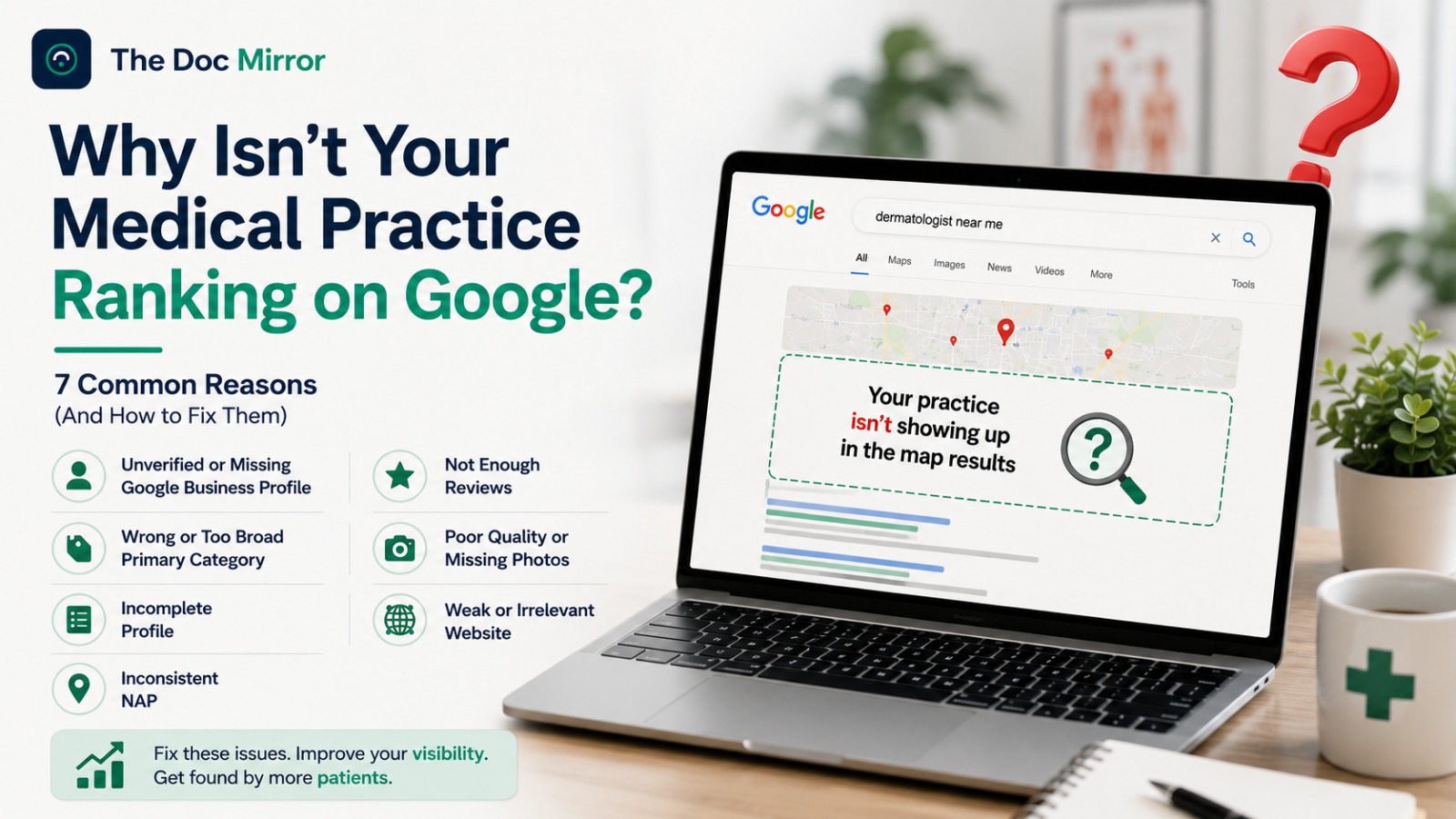
Choose the most specific primary category
Your category is one of the strongest relevance signals Google uses. Choose the most specific primary category that describes your practice, for example "Dermatologist" or "Pediatrician" rather than the generic "Doctor" or "Medical clinic." You can add up to nine additional categories for other services you genuinely provide, but the primary category carries the most weight, so choose it carefully.
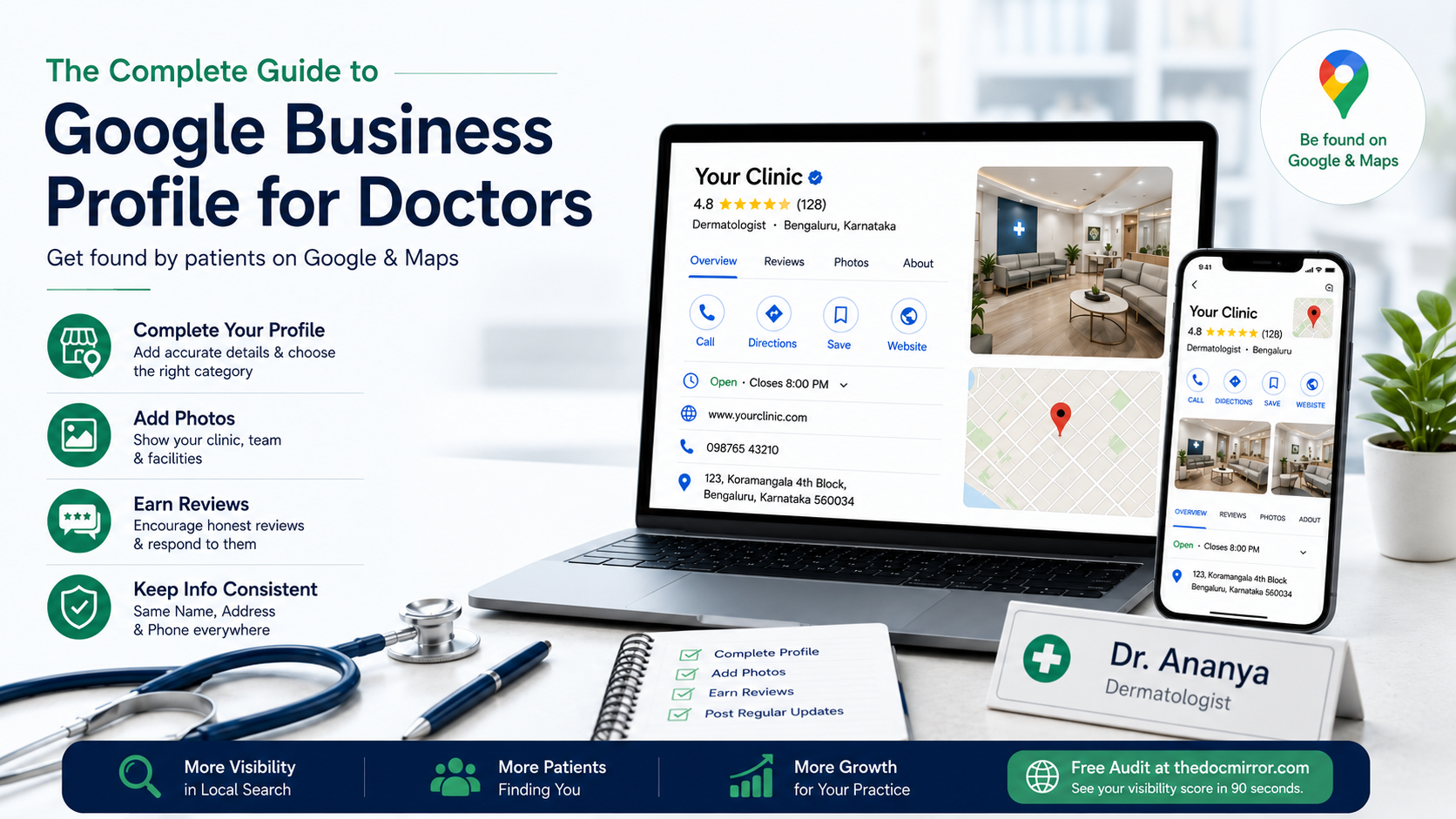
Complete every field
Fill in your hours, including special hours for holidays, plus services, an appointment or booking link, your website, and a clear factual description of your practice. Google's own guidance states that complete profiles are treated as more credible and are shown more often than half-filled ones; Google reports that businesses with complete profiles are considered more reputable by prospective patients. Completeness is free, and it is one of the few ranking inputs entirely in your control.
Keep the name accurate and unembellished
Use your real clinic or practice name exactly as it appears on your signage and registration. Do not add keywords, city names, or descriptors that are not part of your actual name, such as "Best Skin Clinic Bengaluru." This violates Google's naming guidelines and can get a profile suspended, and for Indian doctors it also risks reading as a superiority claim, which conduct rules do not permit.
Add real photos, with patient privacy protected
Add clear photos of your clinic exterior, signage, reception, and consultation or treatment areas, and add new ones over time rather than once. Google reports that profiles with photos receive more clicks and more direction requests than those without, which is why a maintained gallery helps. Two rules for doctors specifically: never display identifiable patients without their written consent, and never post anything that implies a treatment outcome. Keeping photos to your premises and team is the safe, compliant default under Indian medical ethics and the Digital Personal Data Protection Act, 2023.
Earn genuine reviews and respond professionally
Ask satisfied patients to leave an honest review, and reply professionally to each one. Do not incentivise reviews, write them yourself, or offer anything in exchange, and do not selectively suppress critical ones. Beyond breaching Google's review policies, incentivised or solicited reviews sit on the wrong side of NMC conduct rules. When you respond, keep replies factual and never confirm clinical details or that a reviewer was a patient, since doing so can breach confidentiality. A steady flow of genuine reviews and a consistent, measured response rate both support prominence in local ranking.
Keep the profile active
Google favours profiles that are maintained. Use Google Posts to share factual updates such as new services, changed hours, or a health-awareness note, and answer questions in the profile's Questions and Answers section before someone else does. A clinic that adds a photo or a short post every couple of weeks signals to Google that the listing is current.
Keep your name, address, and phone identical everywhere
Your name, address, and phone number, often shortened to NAP, must match exactly across Google, Practo, JustDial, Lybrate, and your website. Even small differences, like an old suite number, a landline on one site and a mobile on another, or "Rd." versus "Road," reduce how confidently search engines and AI systems trust your record. Pick one canonical format for your clinic details, write it down, and make every listing match it. This single afternoon of clean-up removes one of the most common invisible drags on local visibility.
Fixing common problems
- Duplicate profiles: if two profiles exist for the same clinic, they split your reviews and confuse Google. Report the duplicate through your profile so Google can merge or remove it.
- Suspended profile: suspensions usually follow a guideline breach, often a keyword-stuffed name or an address issue. Correct the underlying problem, then submit a reinstatement request with proof of practice.
- Wrong information shown: anyone can suggest edits to a listing. Check your profile regularly and revert inaccurate "suggested" changes to hours, category, or location.
- "Permanently closed" by mistake: this occasionally happens to active clinics. You can correct the status from your profile; if it persists, contact support.
How your profile connects to AI visibility
When a patient asks Google Gemini or uses Google's AI Overviews for a doctor in their city, those systems draw directly on Google's structured local data, which your Business Profile feeds. Other assistants, including ChatGPT and Perplexity, increasingly reference the same public signals: a clear category, consistent NAP details, an accurate location, and corroborating listings across trusted directories. There is no separate trick for AI here. A complete, verified, consistent Google Business Profile is the same foundation that makes you identifiable to an AI assistant and findable in classic search.
Measuring your results
Your profile includes a Performance view that shows how patients found you and what they did next: the searches that surfaced your clinic, calls placed, direction requests, website clicks, and messages or bookings where enabled. Check it monthly. If calls and direction requests rise after you complete fields, add photos, and earn reviews, your changes are working. If they are flat, revisit category accuracy, NAP consistency, and whether verification is fully complete.
A compliant note on advertising
Indian medical conduct rules, administered through the NMC and State Medical Councils, broadly prohibit doctors from soliciting patients or advertising themselves in a self-promotional way. Comparative superiority claims, guaranteed outcomes, and disease cure or prevention claims are not permitted, and the Drugs and Magic Remedies (Objectionable Advertisements) Act, 1954 specifically restricts cure claims. Everything in this guide is about being found accurately when a patient is already searching, not about promotion. Keep your profile factual, avoid superlative, comparative, or guarantee language, protect patient privacy, and if you are unsure about a specific claim, verify it with your State Medical Council or the NMC before publishing it. These rules evolve, so re-check current guidance before any larger campaign.
Your maintenance routine (under two hours a week)
In the next hour:
- Claim or create your Google Business Profile and complete verification.
- Set the most specific primary category, then fill every field: hours, services, description, website, and appointment link.
- Add at least a handful of real photos of your premises and team, with no identifiable patients.
- Write down your canonical name, address, and phone, and make Google, Practo, and JustDial match it.
Every week, in well under two hours:
- Reply to any new reviews, professionally and without clinical detail.
- Add one Google Post or a fresh photo.
- Answer any new question in the Q&A section.
- Scan the Performance view once a month and note what moved.
If you want to see exactly where your profile stands before you start, the Free Audit at thedocmirror.com scores your visibility across Google, AI assistants, and directories in about 90 seconds, using the 7 pillars behind your Visibility Score, and shows what to fix first. If you want the complete prioritised fix plan, the Full Report is available for ₹1,599.