Google Gemini names your medical practice when your Google Business Profile is complete and verified, your business details match across the web, and Google can confirm your specialty and location from its own data. Gemini leans on Google-connected sources more than other AI assistants do, which is good news for doctors: the profile work that helps you in Google Maps is largely the same work that helps you in Gemini. This guide is the step-by-step version for a practice that already knows it needs to be found and wants the specific actions that move the needle.
The stakes are practical. In rater8's 2025 report, 26% of patients said an AI tool had directly influenced their choice of provider, and Gemini reaches patients twice: once as a standalone assistant, and again through the AI Overviews that now sit at the top of many ordinary Google searches. Getting Gemini right means getting both.
How Google Gemini decides which practices to name
When a patient asks Gemini for "a good pediatrician near me," it does not return ten blue links. It writes a short answer that usually names one to three practices. To do that reliably, Gemini can connect to live Google Search results, a feature Google calls grounding with Google Search. In Google's own description, the model decides a search would help, runs one or more queries, then synthesizes and cites what it finds. The practical takeaway for a doctor is simple: what Google already knows and trusts about your practice is what Gemini pulls from.
That connection is the key insight. For Gemini, a complete and verified Google Business Profile is the single highest-value asset you have. Other assistants weigh third-party directories more heavily, and if you want to be named across all of them, read how to get your clinic recommended by ChatGPT and Gemini. But for Gemini specifically, Google's own record comes first.
Gemini and AI Overviews are not the same as ChatGPT
It helps to be precise about what "ranking in Gemini" involves, because the mechanics differ from ChatGPT in ways that change your priorities.
Gemini and Google's AI Overviews, the AI-written summaries at the top of many searches, both draw on Google's index and Google's structured local data. Google is explicit that there are no additional requirements or special markup to appear in AI Overviews or AI Mode; the same helpful content and standard signals that earn organic visibility are what surface there. It also uses a "query fan-out" method, issuing several related searches behind one question to assemble a broader answer. So the levers are the familiar ones, applied to a new surface.
ChatGPT, by contrast, is not wired directly into Google Maps. It leans harder on third-party directory consistency and on being written about elsewhere. The overlap is large, but the emphasis differs: for Gemini, tighten your Google-facing assets first; for ChatGPT, widen your directory and citation footprint. Doing both covers every assistant.
The signals that move you in Gemini
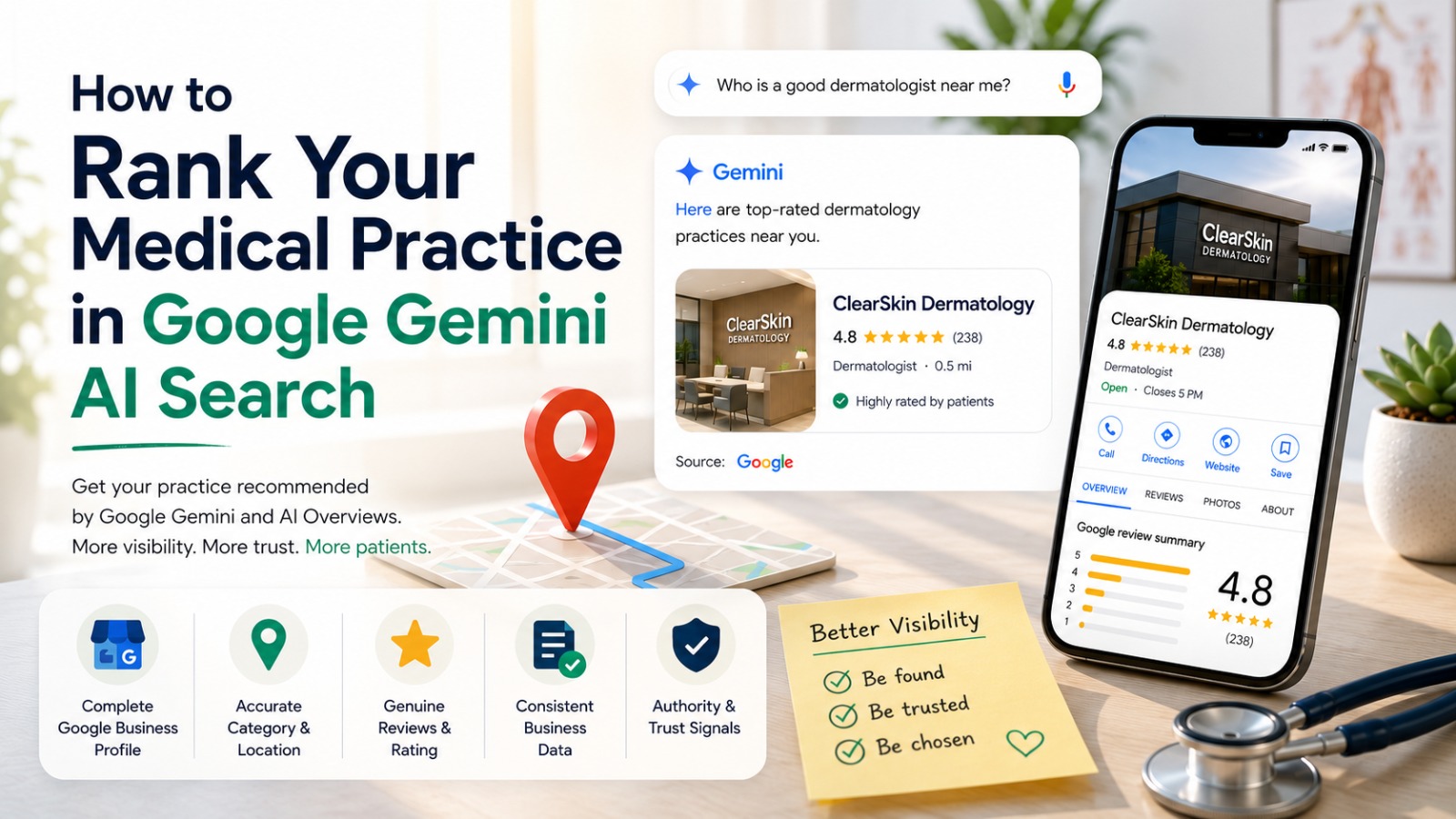
Five signals do most of the work. The first three live inside your Google Business Profile. The last two corroborate it elsewhere.
1. A complete, verified Google Business Profile
Gemini and AI Overviews draw on Google's record, and Google trusts verified profiles. Make sure yours is claimed and verified, with a specific primary category, complete hours including holidays, a website link, a factual description, and current photos. An incomplete profile is a weak signal, and there is little reason for Gemini to name a practice Google cannot fully confirm. If your clinic does not surface for its own name and city, resolve that first with why a clinic doesn't show up in local search.
2. An accurate category and exact location
Your primary category is one of the strongest relevance signals Google uses, which lists relevance, distance, and prominence as its three local ranking factors. Choose the most specific category that describes your practice: "Dermatologist," not "Doctor." Confirm your map pin and address are exact, because distance is one of those three factors and Gemini inherits Google's sense of where you are.
3. Genuine reviews and a steady rating
Review count and rating feed Google's sense of prominence, and prominence carries into how confidently Gemini treats your practice. Ask satisfied patients for honest reviews, reply professionally without confirming any clinical detail, and never buy or incentivize reviews. A steady flow of recent, genuine reviews is what you want, not a one-time burst. Verified patient reviews are also, in rater8's research, the result patients most value inside an AI summary, so they help the patient decide once Gemini names you.
4. Consistent business data across the web
Your name, address, and phone, often shortened to NAP, should read identically on Google, Healthgrades, Zocdoc, Vitals, WebMD, and your website. Even one old suite number on two directories lowers confidence in the whole record. Pick one canonical format, write it down, and make every listing match it to the character.
5. Structured data on your website
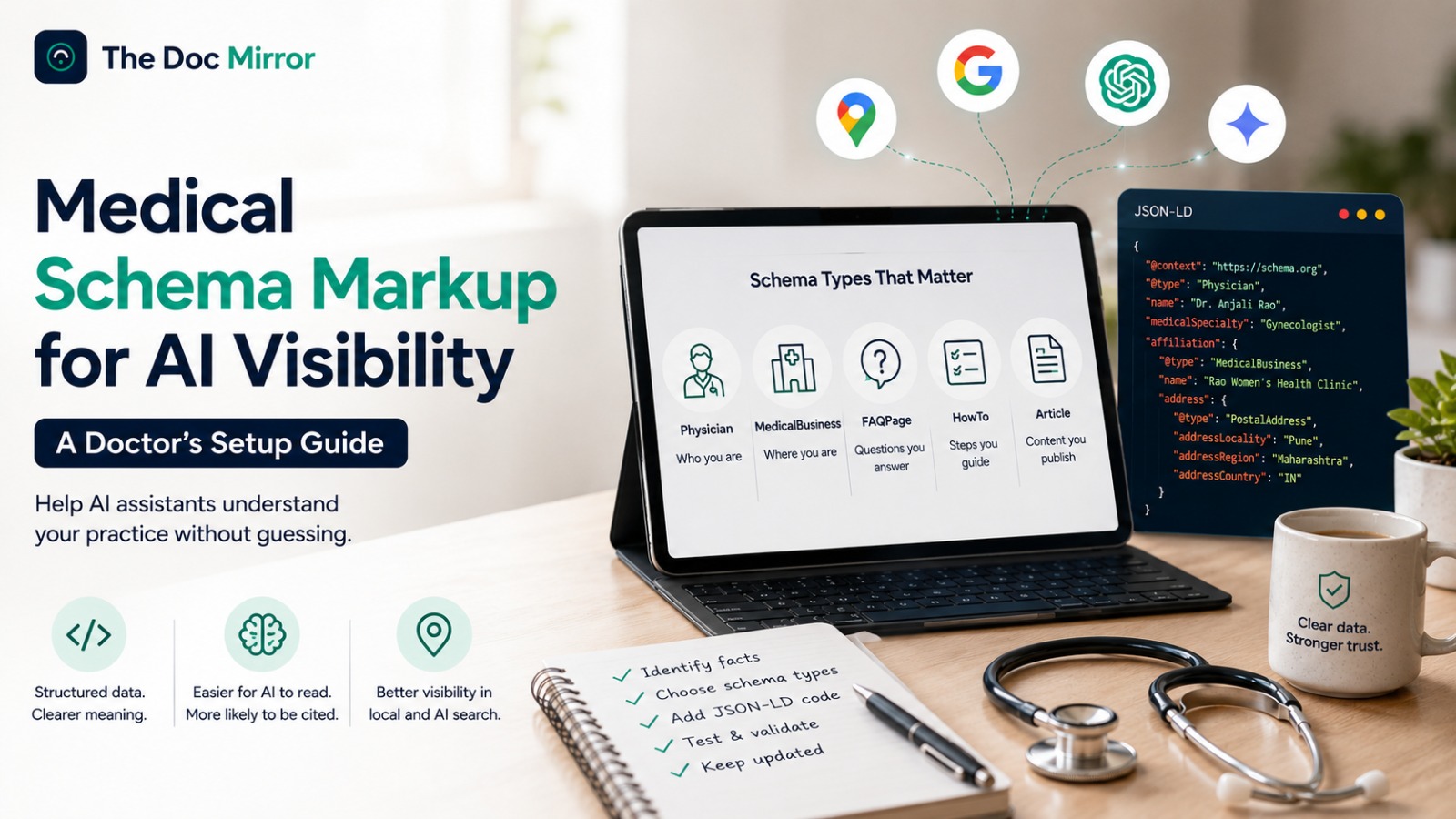
Schema markup is a small block of code on your site that states your specialty, address, hours, and credentials in a format machines read cleanly. Google notes that structured data helps its systems understand your content, even though it is not a special requirement for AI features. Because Gemini connects to Google's understanding of your site, clean schema helps it read you as, for example, a cardiology practice rather than an unlabeled address. In The Doc Mirror's audits, adding it typically moves a visibility score by a few points.
The order to do this in
You do not do all five at once. Sequence them so the highest-value work comes first.
- Claim and verify your Google Business Profile if you have not already. Nothing else counts as much for Gemini.
- Set the most specific primary category and complete every field: hours, website, description, and services.
- Add current photos of your premises and team, with no identifiable patients and no patient faces without written consent.
- Fix any inconsistent name, address, or phone details across every directory, matching your one canonical format.
- Add or update schema markup on your website, then keep earning genuine reviews over time.
This is under 2 hours a week of work, and it compounds. No agency is required to do any of it.
How to check your Gemini visibility this week
You can measure where you stand for free.
- Ask Google Gemini for the best doctor in your specialty in your city. Note whether you are named and which competitors are. Repeat the query as a normal Google search and check the AI Overview at the top.
- Open your Google Business Profile and confirm it is verified, with a specific category, complete hours, and recent photos.
- Search your practice across Healthgrades, Zocdoc, Vitals, and WebMD and confirm your details match.
- Check your website source for schema markup and add it if it is missing.
For the full picture in one place, the Free Audit at thedocmirror.com scores your AI Visibility as one of 7 pillars, running your practice against Gemini, ChatGPT, Claude, and Perplexity. It takes about 90 seconds and needs no signup for the free score. To understand how that AI Visibility pillar sits alongside the other six, see what a doctor visibility score measures.